Batch Admin Dashboard
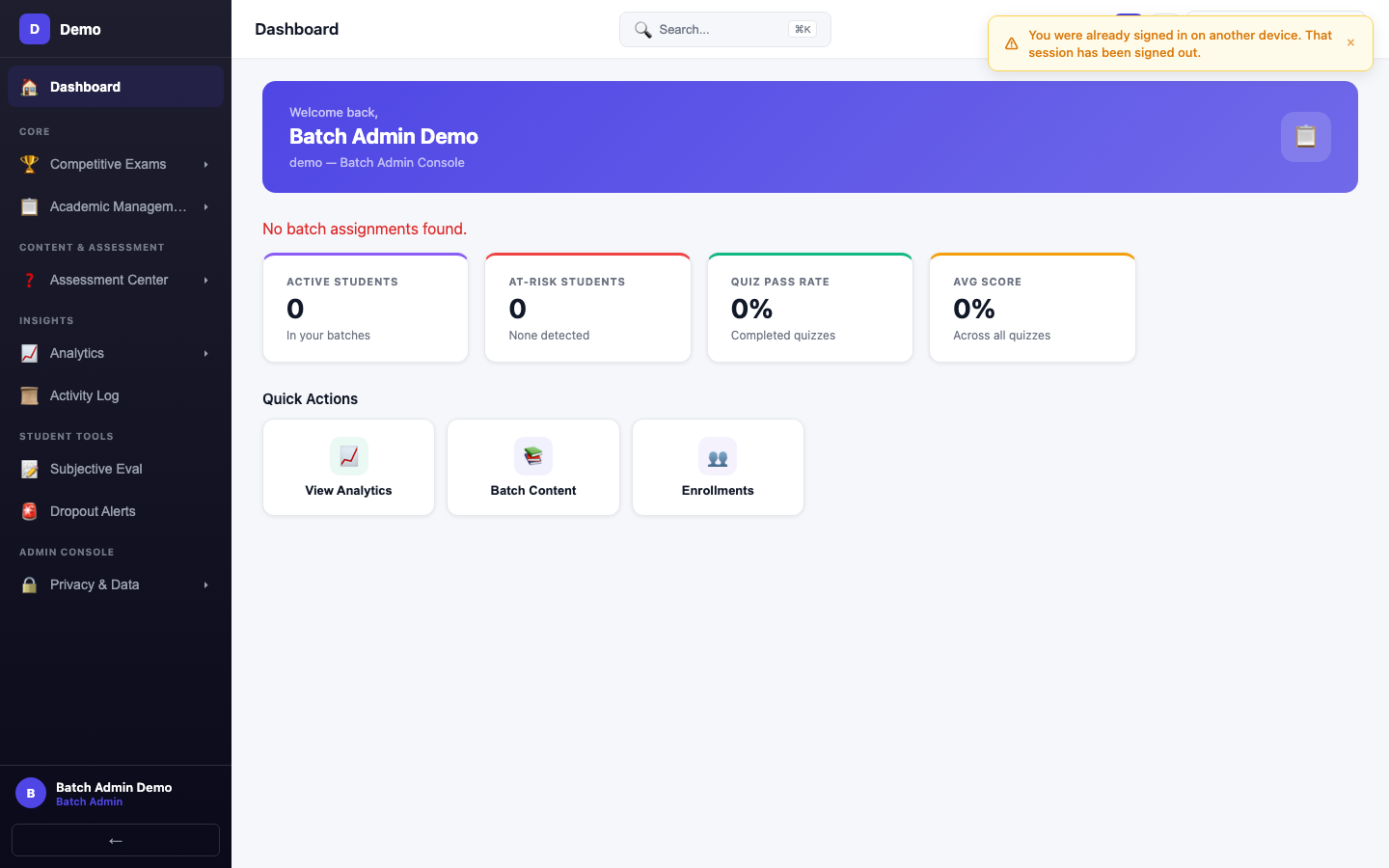
Overview of your assigned batches with enrollment counts, recent quiz activity, and student highlights.
What You See
- Your Batches — List of batches you manage, with current enrollment counts
- Recent Quizzes — Latest quiz activity across your batches
- Student Alerts — Students who may need attention (low scores, missing quizzes)
- Quick Stats — Total students, quizzes this week, average batch performance
Your Role
Batch admins focus on day-to-day batch operations:
| Responsibility | Page |
|---|---|
| Manage enrollments | Batch Management |
| Assign and track quizzes | Quiz Assignment |
| Monitor student performance | Student Progress |
Getting Started
- Review your assigned batches on this dashboard
- Check for any student alerts or pending enrollments
- Navigate to Quiz Assignment to see upcoming and active quizzes
- Use Student Progress to identify students who need support