System Admin Dashboard
The system admin dashboard provides a platform-wide overview for managing tenants, competitive exams, feature controls, and shared content.
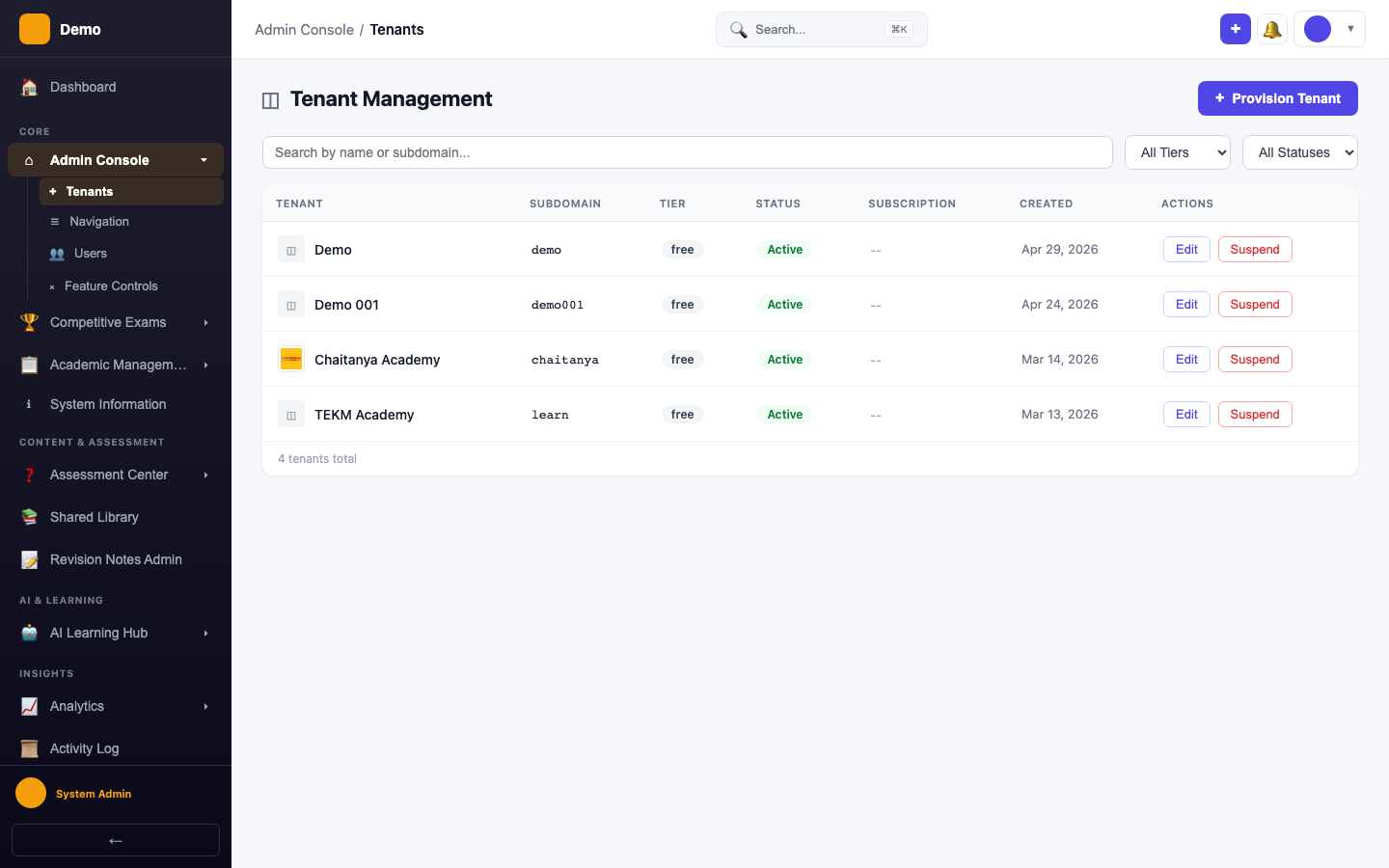
What You See
- Tenant Overview — Total tenants, active subscriptions, and provisioning status
- Platform Metrics — Student count, quiz activity, and AI usage across all tenants
- Quick Actions — Jump to tenant management, exam setup, or analytics
Key Actions
| Action | Where |
|---|---|
| Provision a new tenant | Administration → Tenant Management |
| Set up competitive exams | Competitive Exams → Manage Exams |
| Configure feature flags | Administration → Feature Controls |
| Upload shared content | Shared Library |
| View platform analytics | Analytics → Dashboard |