Tenant Provisioning
Provision new coaching academies on the platform using the step-by-step wizard. Each tenant gets an isolated database schema, custom branding, and an org admin account.
Video Walkthrough
Navigate to Tenant Management
Go to Administration → Tenant Management from the sidebar.
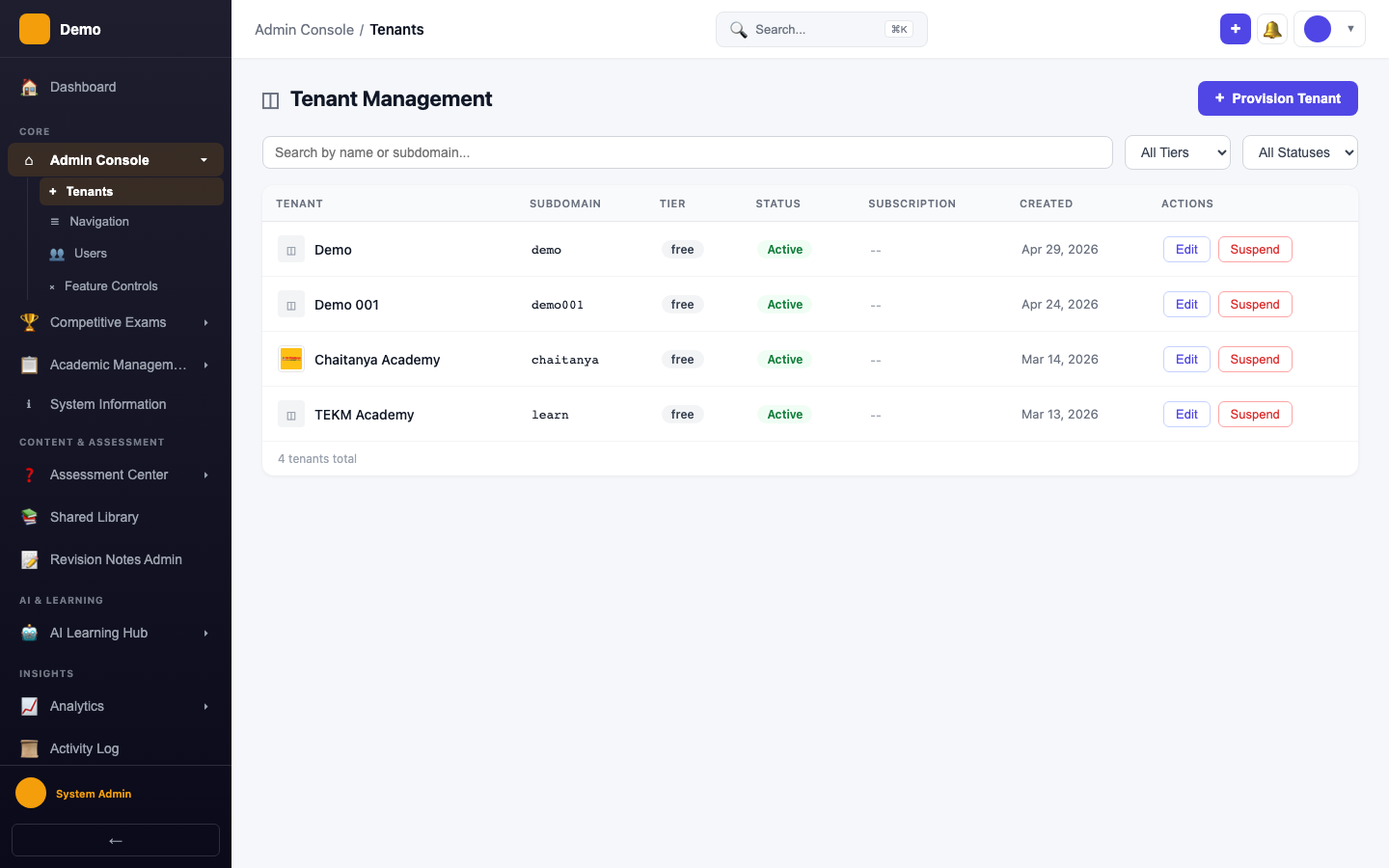
Start the Provisioning Wizard
Click Provision Tenant to launch the 4-step wizard.
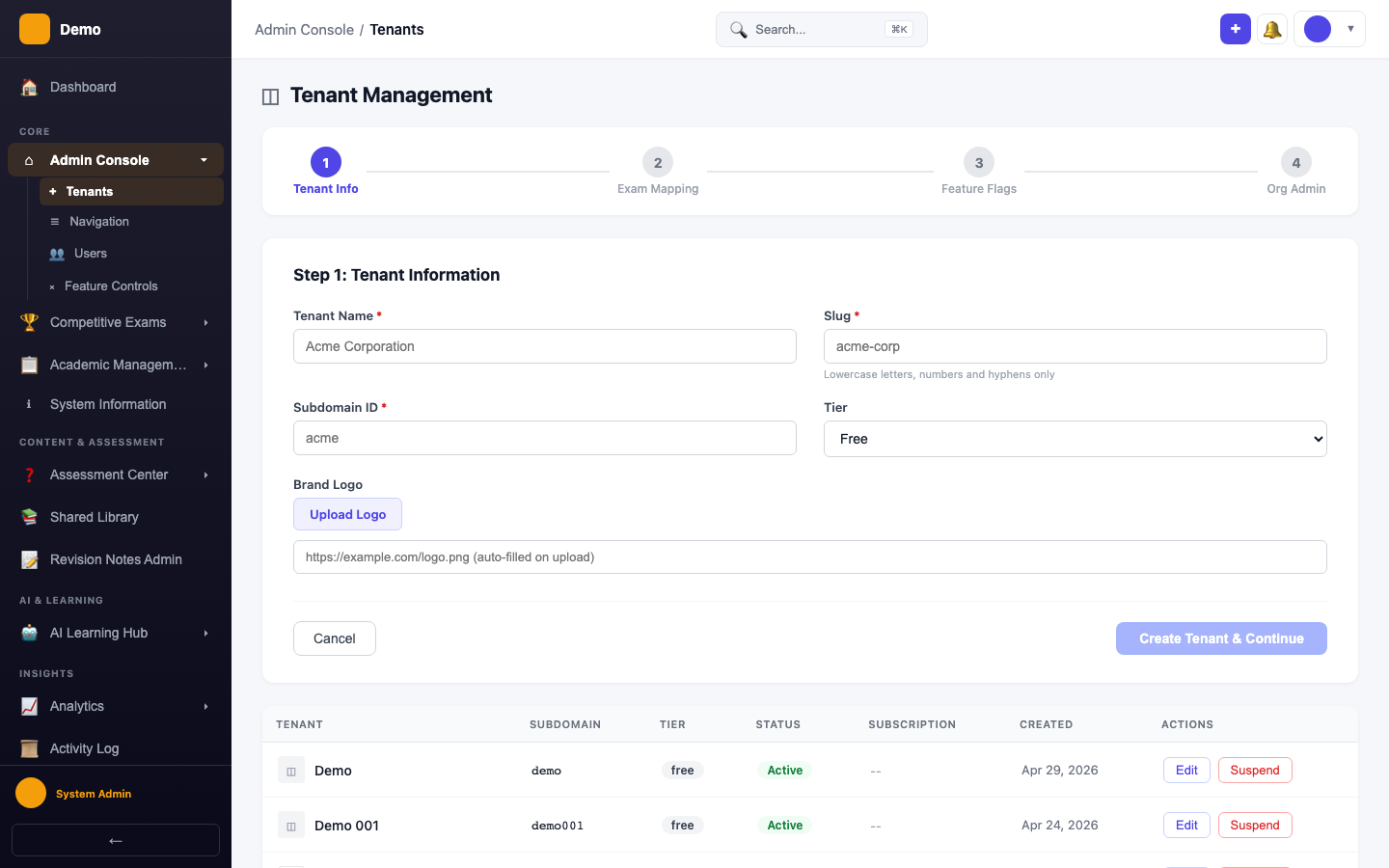
Wizard Steps
The wizard guides you through:
- Tenant Info — Name, subdomain slug, tier (free/starter/pro/enterprise)
- Exam Mapping — Select which competitive exams this tenant offers
- Feature Flags — Enable/disable features like AI Tutor, Spaced Repetition, Study Plans
- Org Admin — Create the tenant's first admin user with Cognito credentials
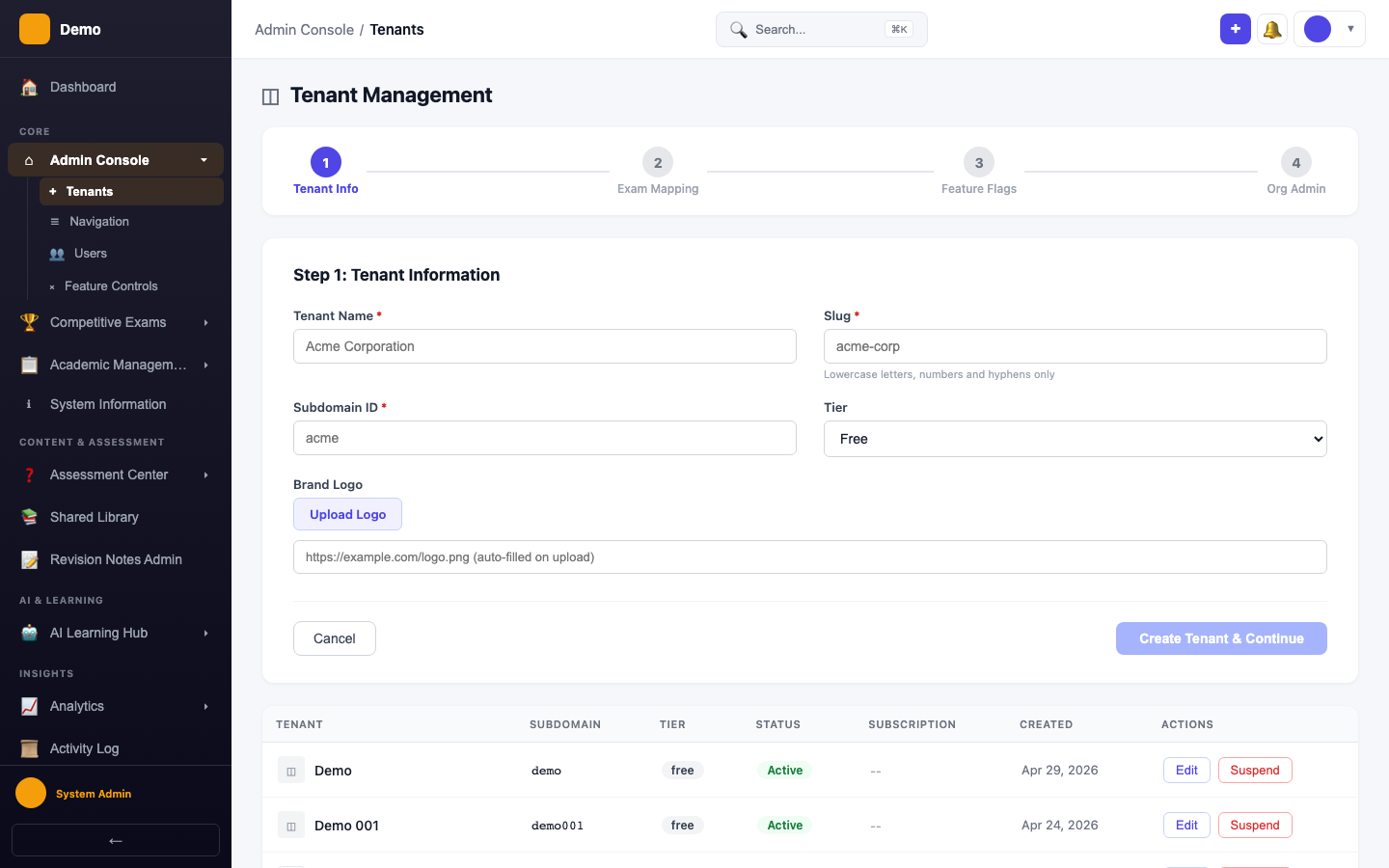
After Provisioning
- The tenant schema is created automatically
- Default menu items and feature flags are seeded
- The org admin receives a temporary password to sign in