Revision Notes
Generate AI-powered revision notes for syllabus topics. These concise study materials help students review key concepts before exams.
Video Walkthrough
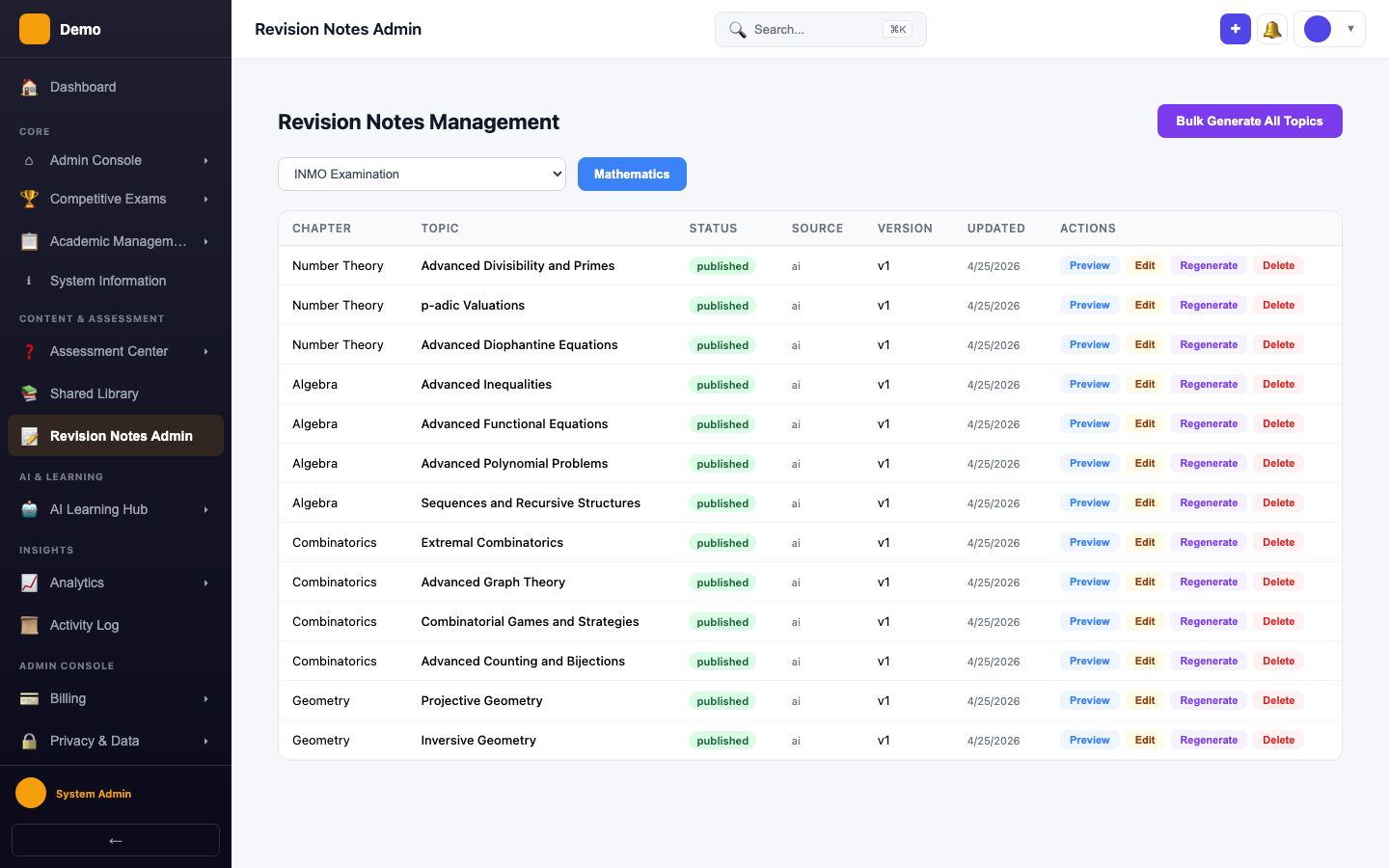
Navigate to Revision Notes
Go to Revision Notes from the sidebar.
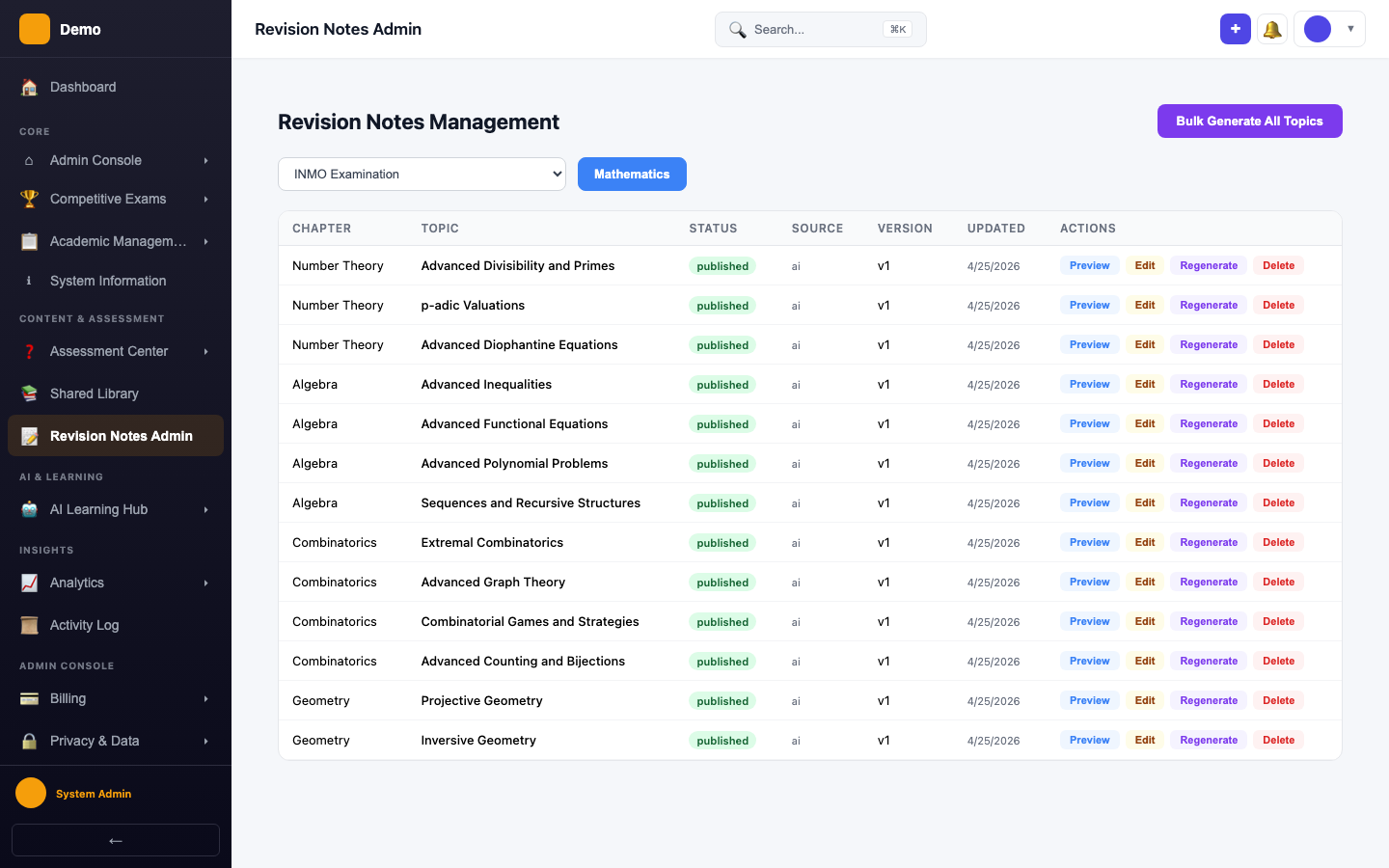
Generating Notes
Select an exam and subject, then generate revision notes for each topic.
How It Works
- Select a competitive exam and subject
- Browse the topic list from the syllabus matrix
- Click Generate to create AI-powered revision notes for a topic
- Notes are saved and available to all students studying that topic
Student Access
Students can access revision notes through:
- The Active Learning Notes page (B2C students)
- Topic-specific study materials linked from their study plan