Competitive Exams Setup
Configure the competitive exams available on the platform. Each exam has metadata, subjects, sections, quiz types, content, and SEO settings — all managed from a single tabbed detail page.
Video Walkthrough
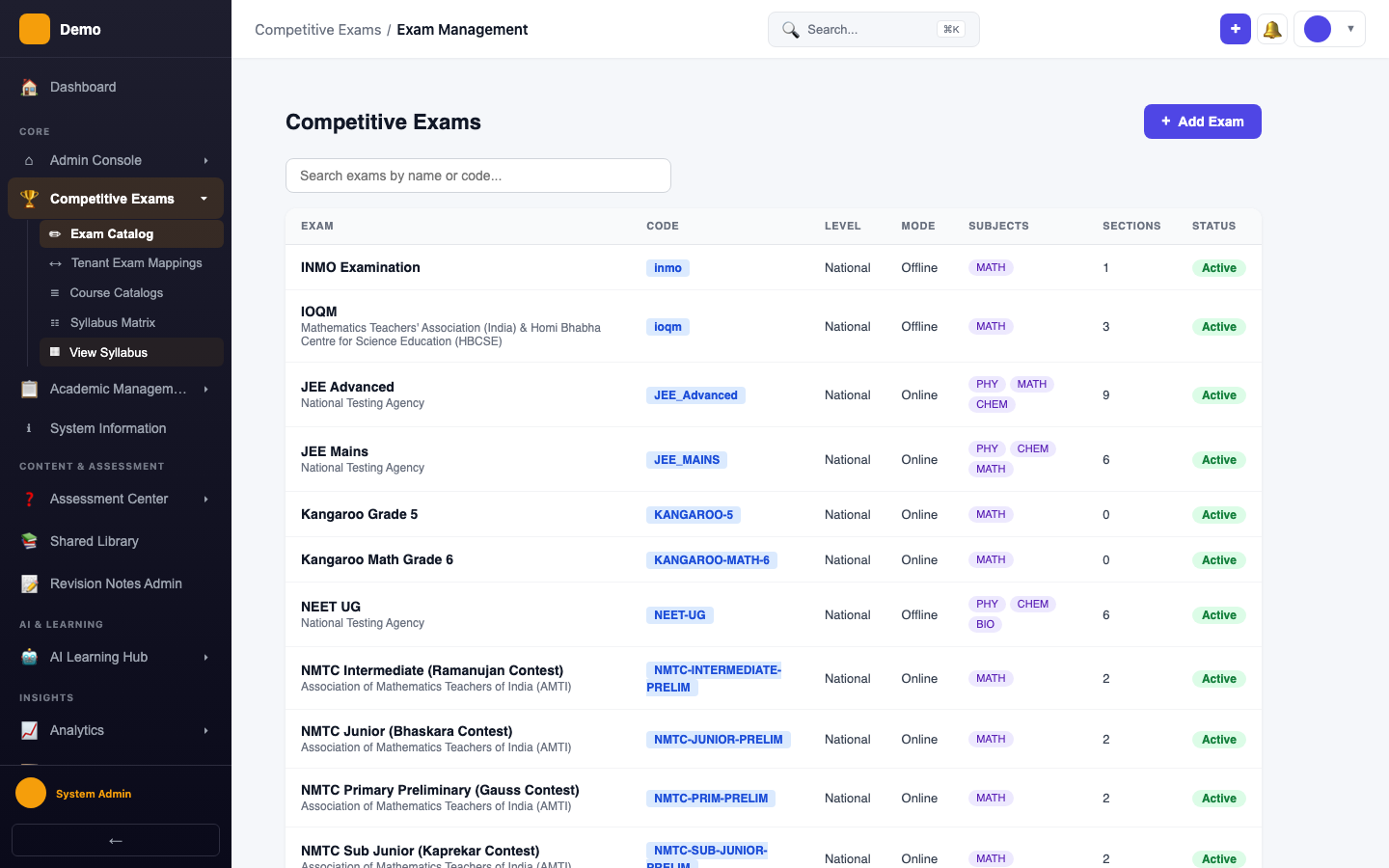
Exam Catalog
Navigate to Competitive Exams → Manage Exams to see all configured exams.
Exam Detail Page
Click on any exam to open the detail page with 6 configuration tabs.
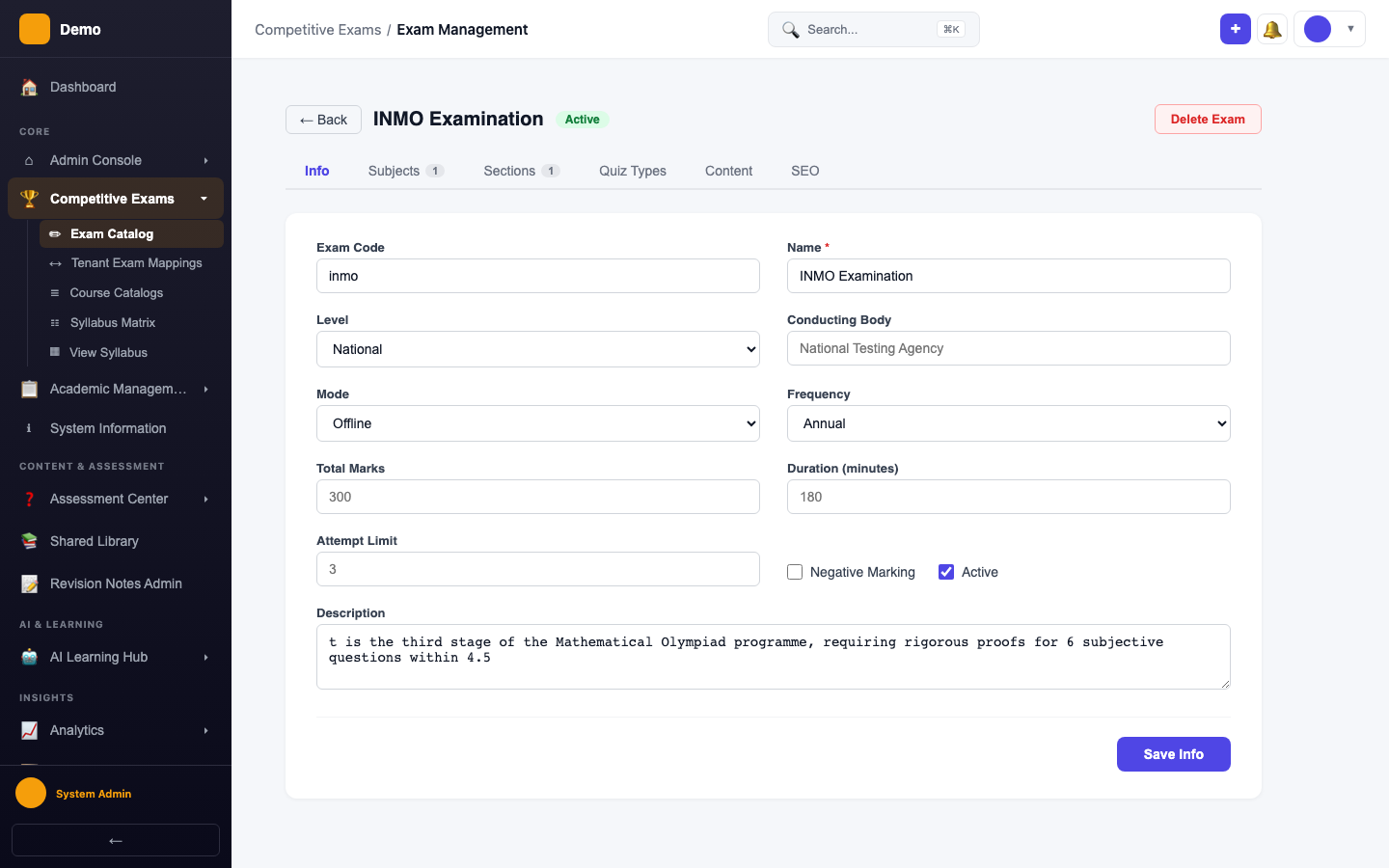
Info Tab
Core metadata: name, code, level, conducting body, mode, frequency, total marks, duration, and negative marking.
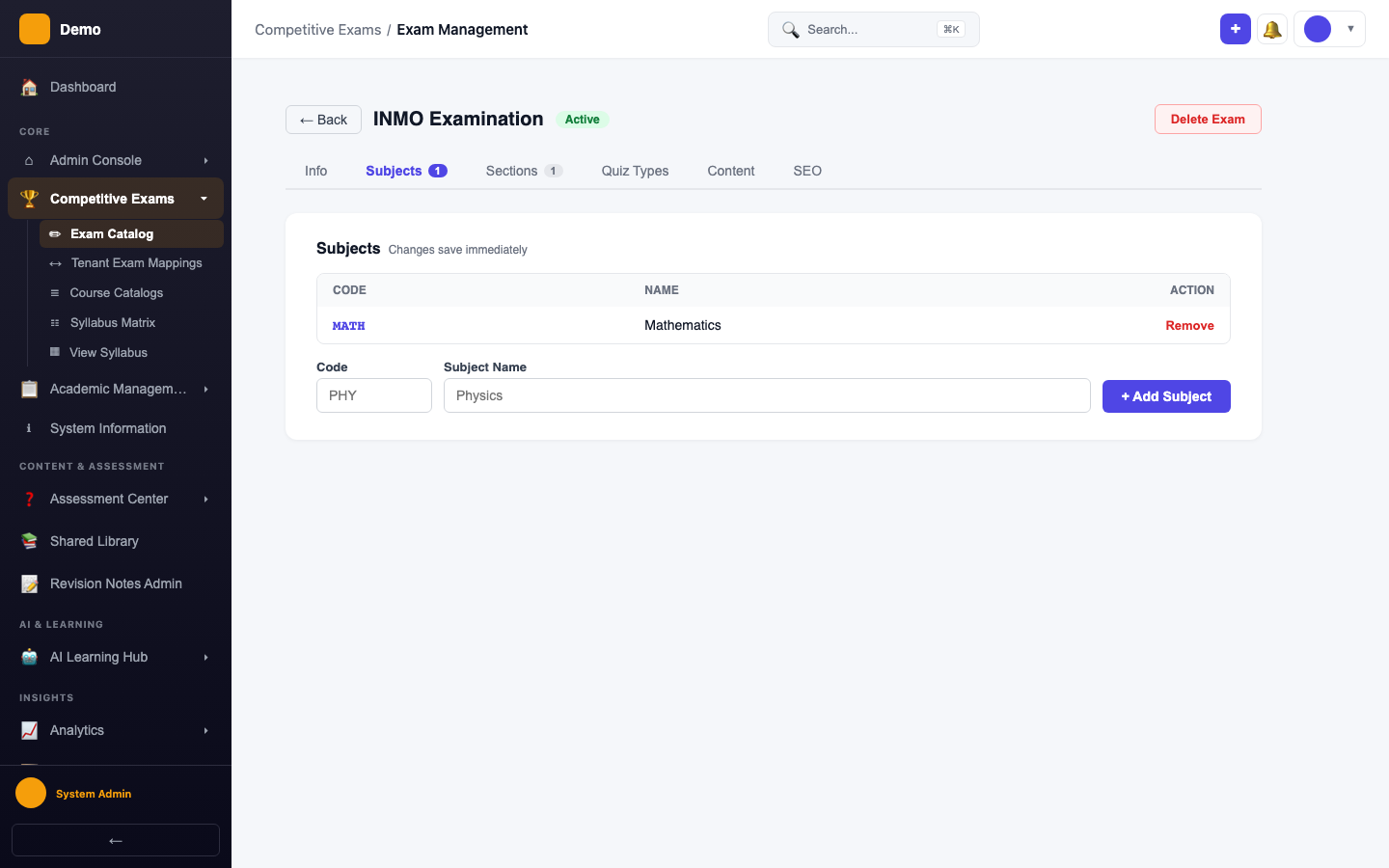
Subjects Tab
Map subjects to the exam (e.g., Physics, Chemistry, Mathematics for JEE).
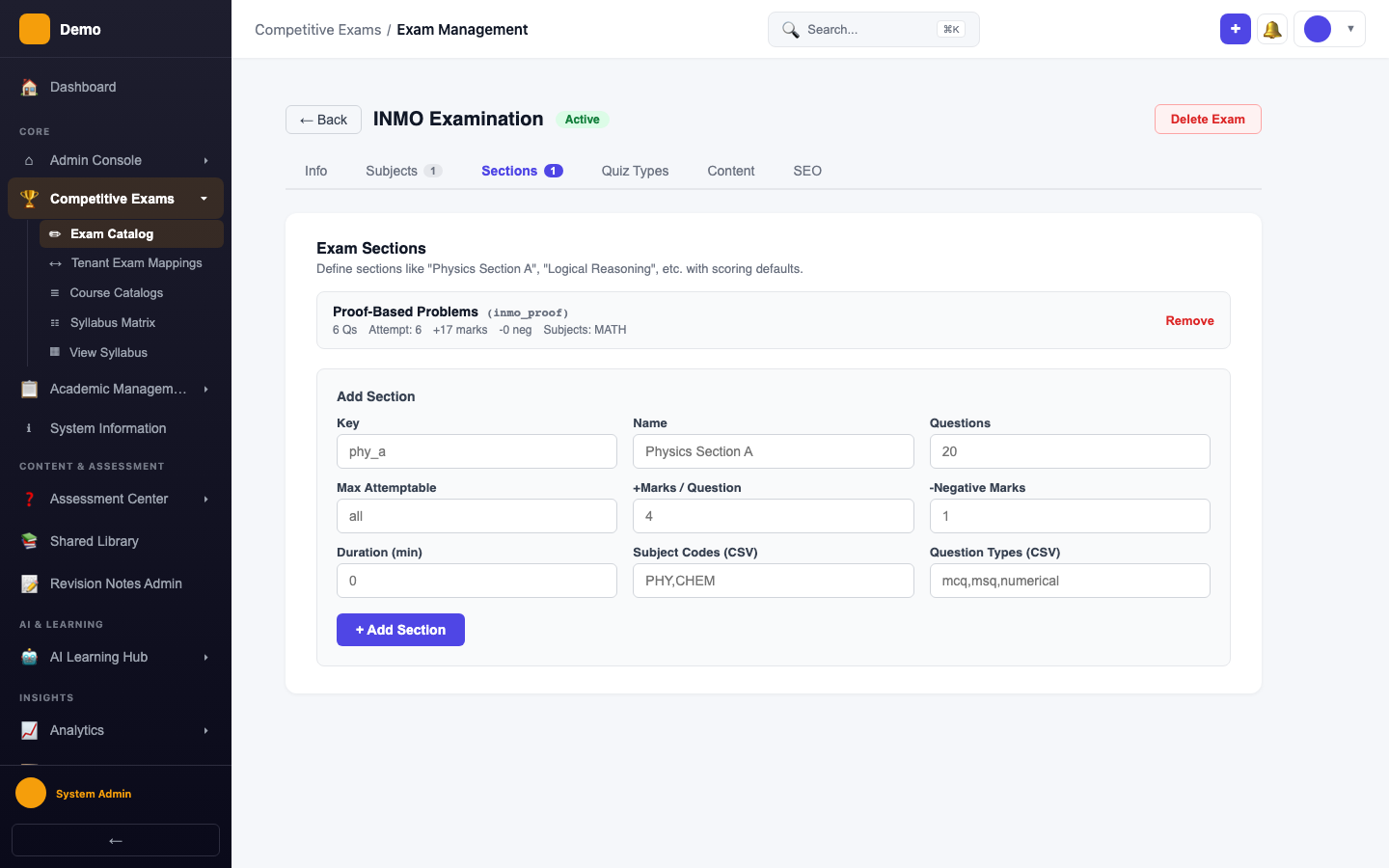
Sections Tab
Define exam sections with default marks and negative marking per section.
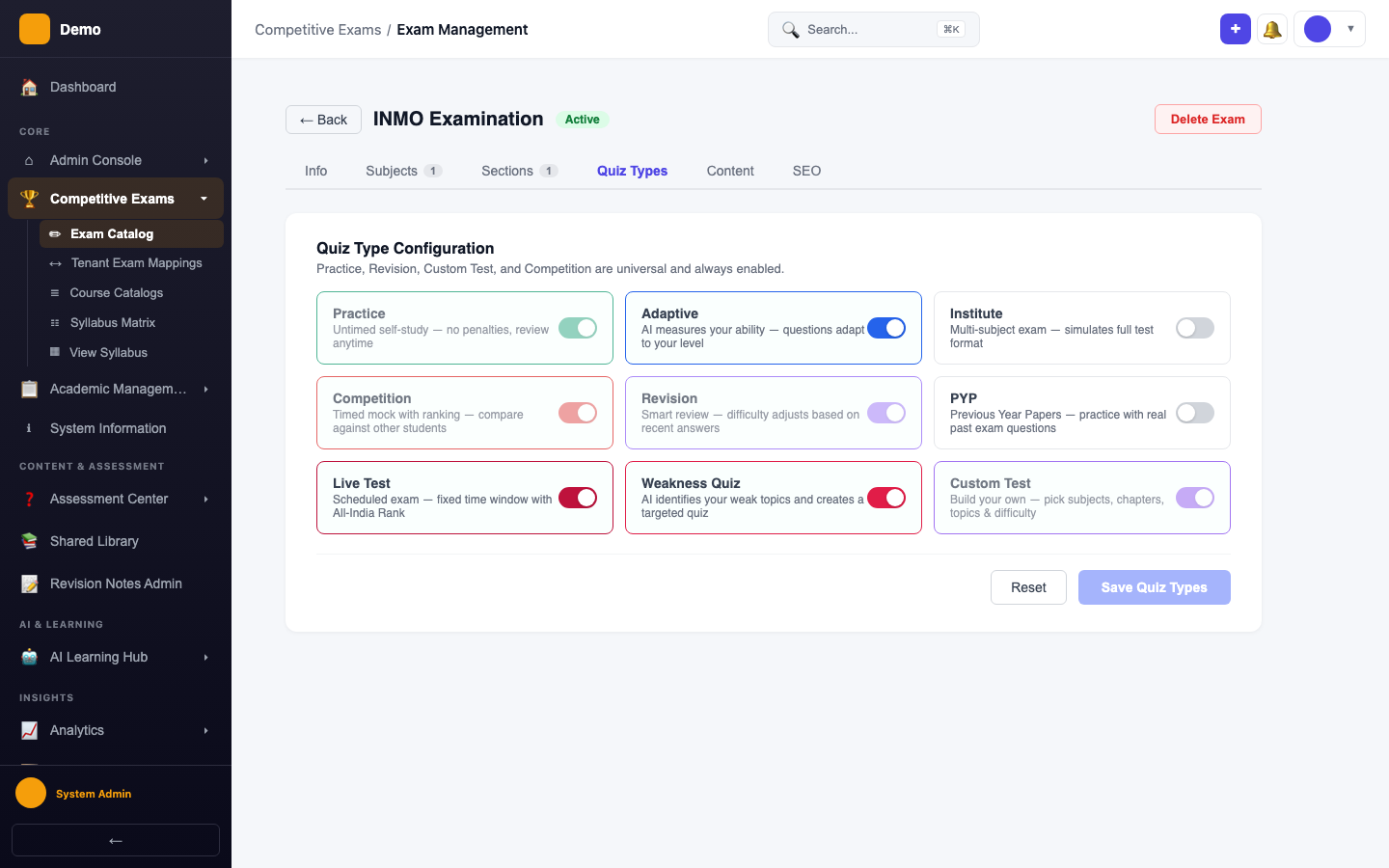
Quiz Types Tab
Enable or disable quiz types for this exam (practice, mock test, PYP, revision, etc.).
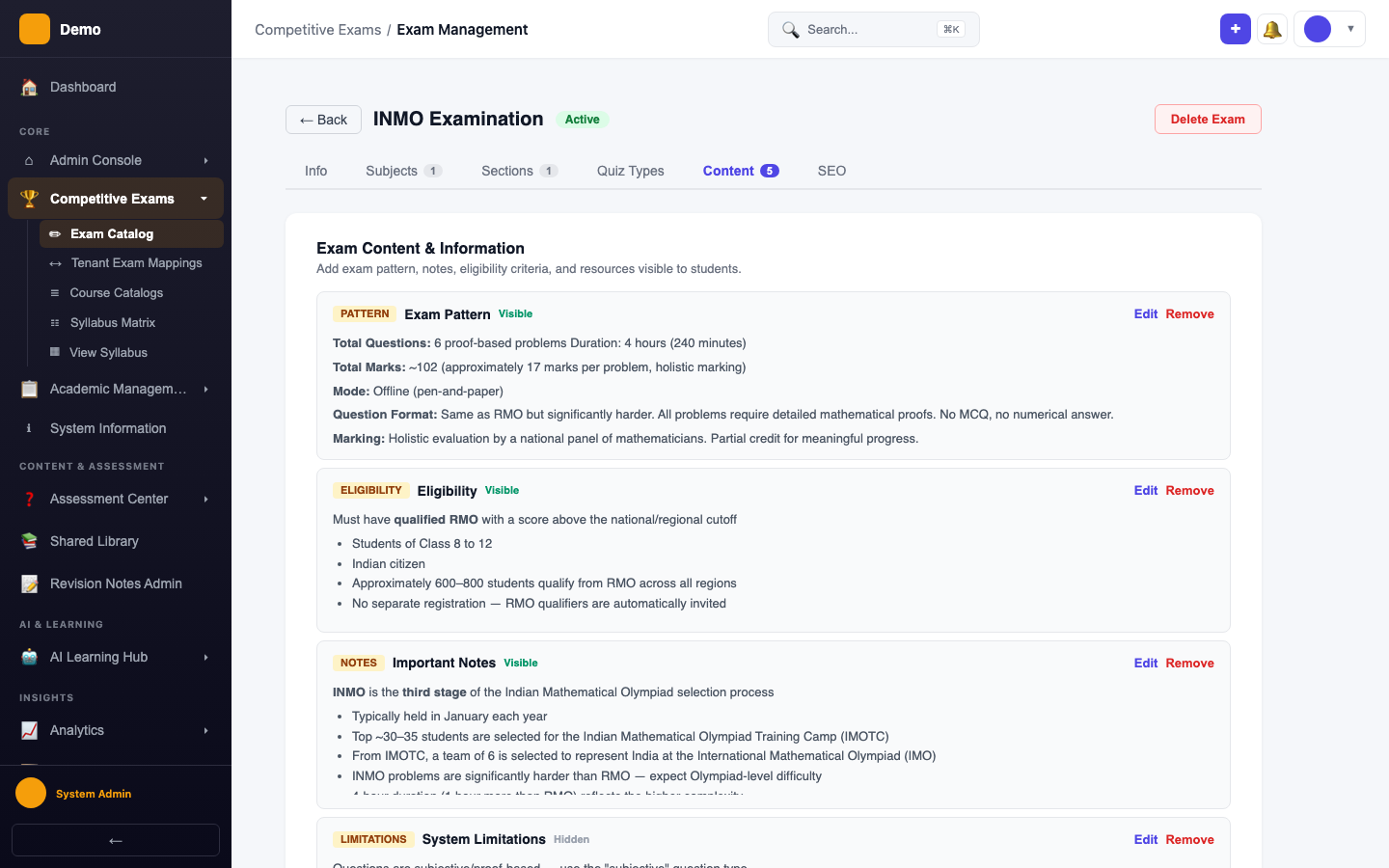
Content Tab
Add exam pattern details, eligibility criteria, notes, limitations, and resource links.
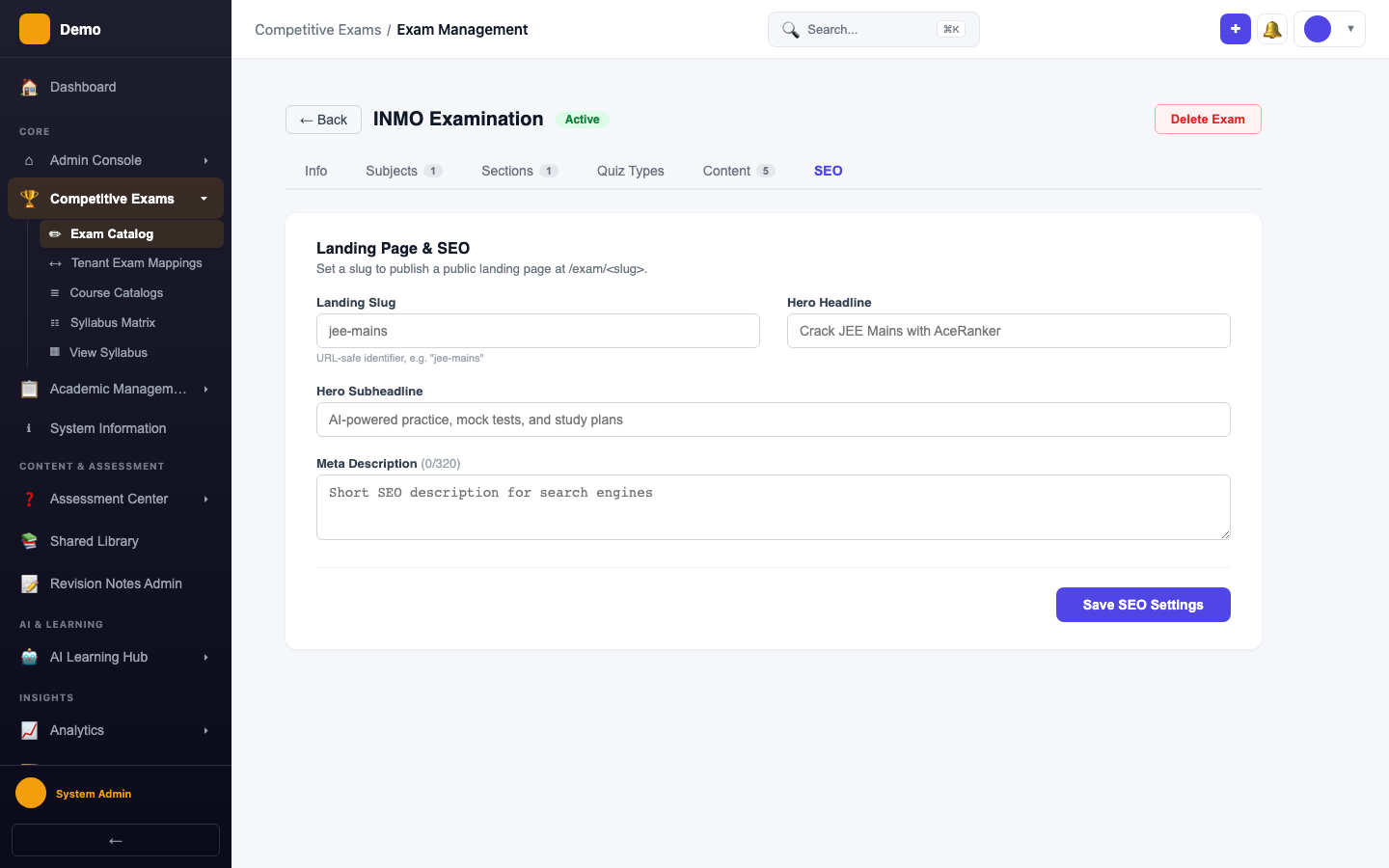
SEO Tab
Configure the public landing page: URL slug, headlines, meta description, and search result preview.