Shared Library
The shared content library lets you upload PDFs that are available across all tenants. Uploaded content is automatically chunked, embedded for RAG search, and can have questions extracted via AI.
Video Walkthrough
Navigate to Shared Library
Go to Shared Library from the sidebar.
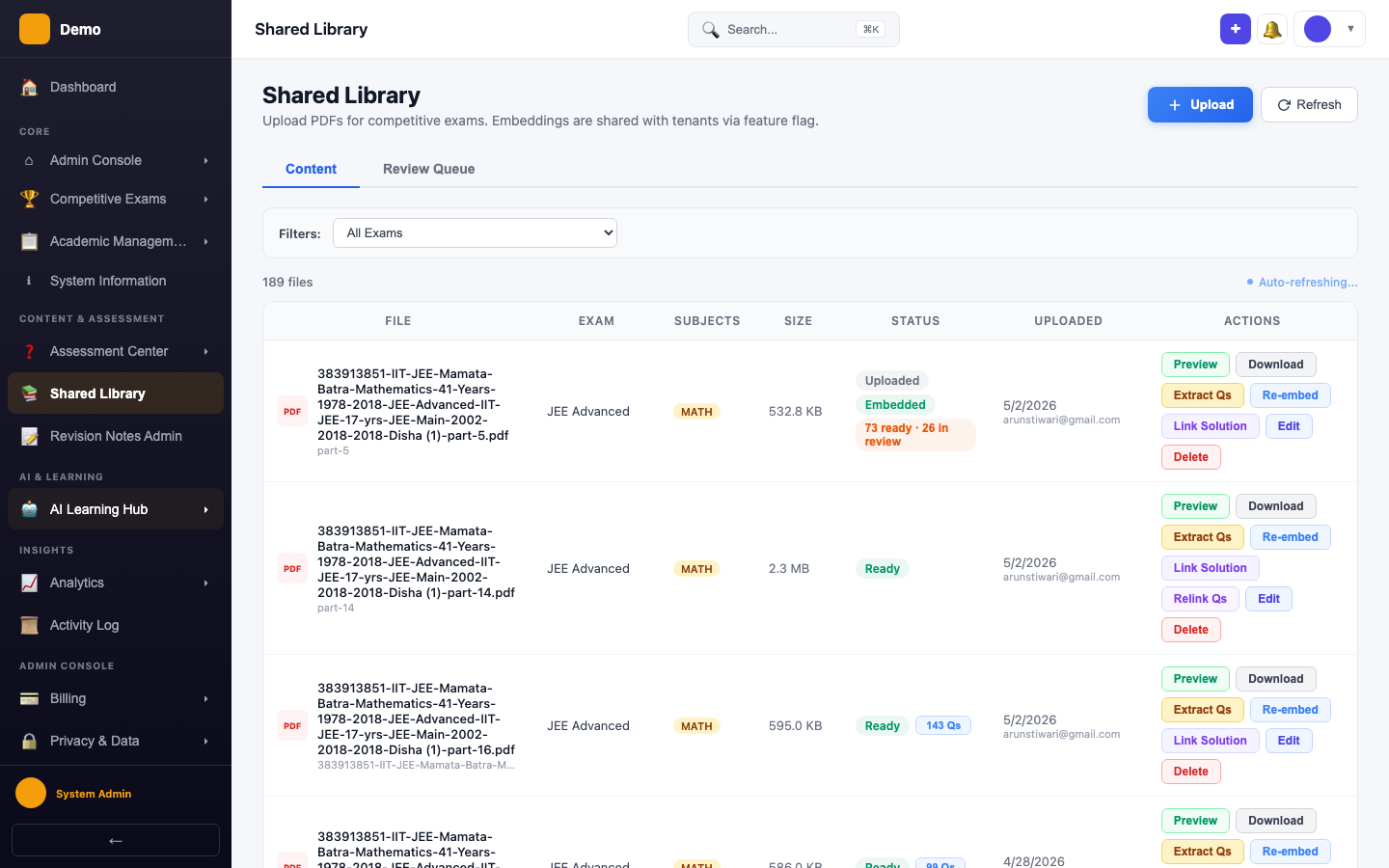
Content Management
View all uploaded PDFs with their embedding status and extracted question counts.
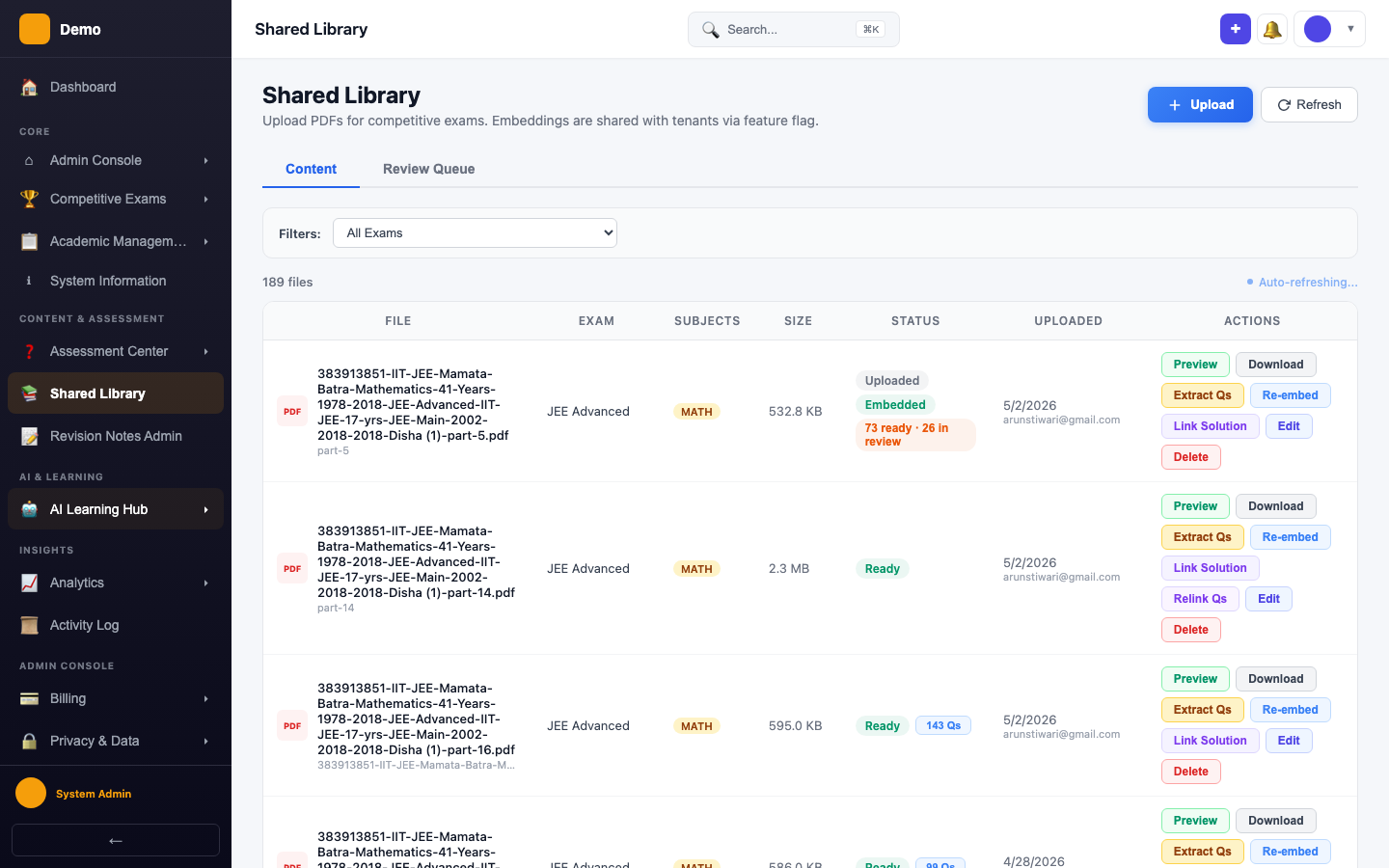
Workflow
- Upload — Upload a PDF file tagged to an exam and subject
- Embed — The system chunks the PDF and creates vector embeddings for RAG search
- Extract Questions — AI extracts questions from the PDF content (two-pass text extraction)
How It's Used
- Doubt Solver — RAG search includes shared library chunks when answering student doubts
- AI Tutor — Shared content provides context for tutoring sessions
- Question Bank — Extracted questions can be reviewed and added to the question bank
Configuration
PUBLIC_CONTENT_MAX_CHUNKScontrols how many chunks are included in RAG context- Feature toggle:
public_content_librarymust be enabled per tenant