Error Journal & Flash Cards
Track every mistake, mark questions for revision, create review quizzes, and use flash cards for spaced repetition.
Video Walkthrough
Error Journal
Navigate to Error Journal from the sidebar. Questions you've answered wrongly across all quizzes are grouped by topic.
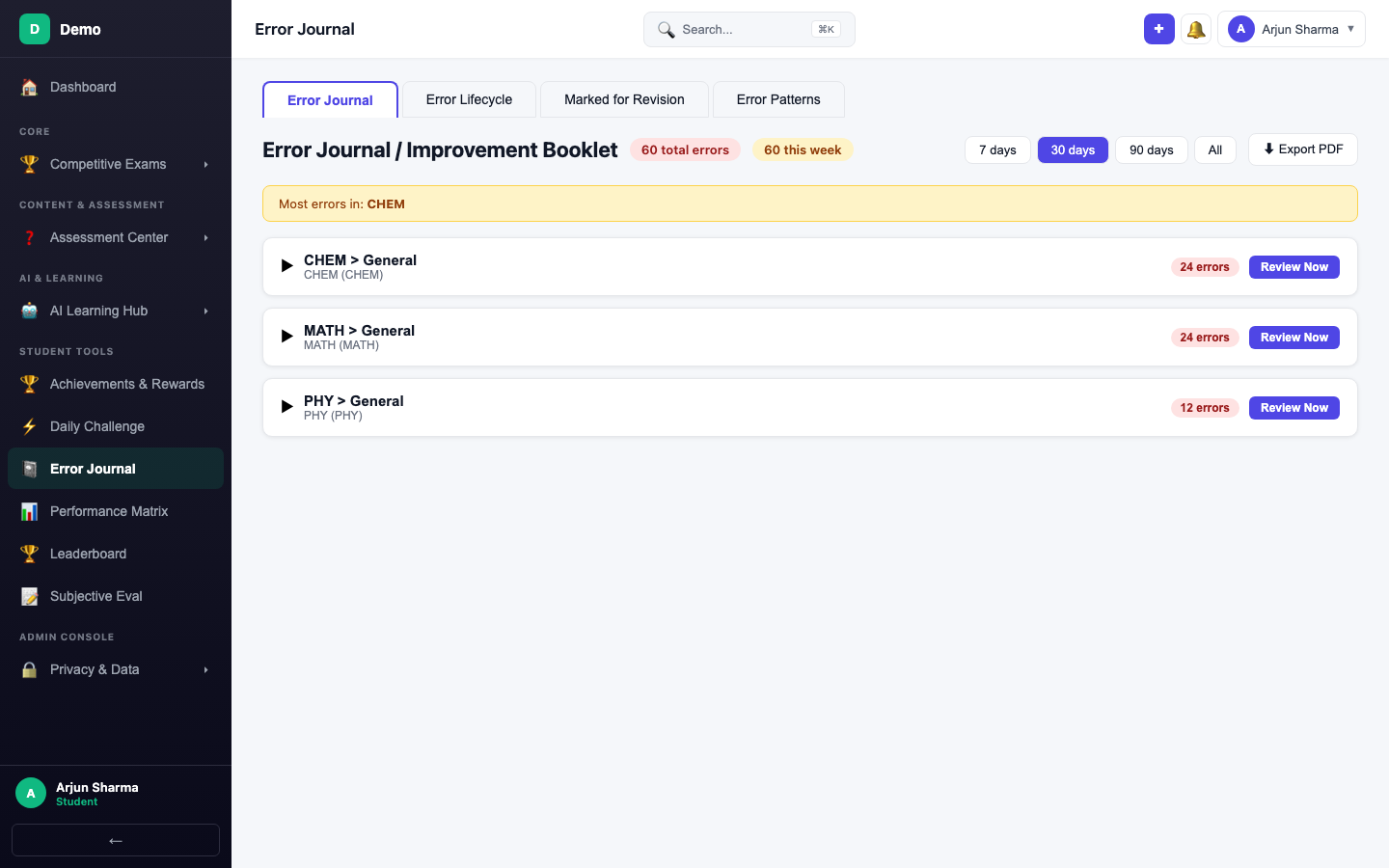
Expand a Topic
Click a topic card to see individual wrong questions — each shows the quiz name, date, and marks lost.
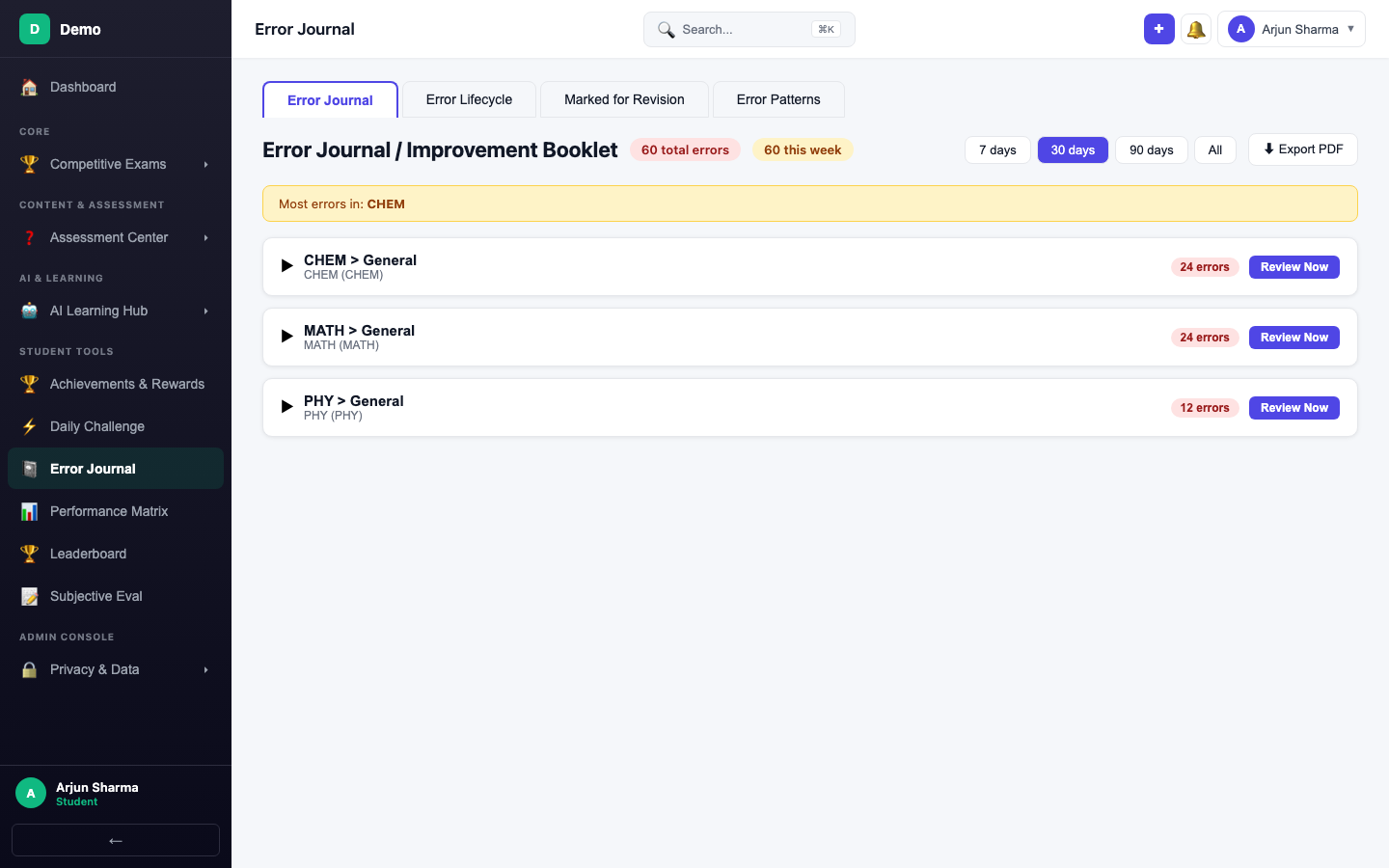
Mark for Revision
Click Mark for Revision on any question to add it to your revision list for focused review.
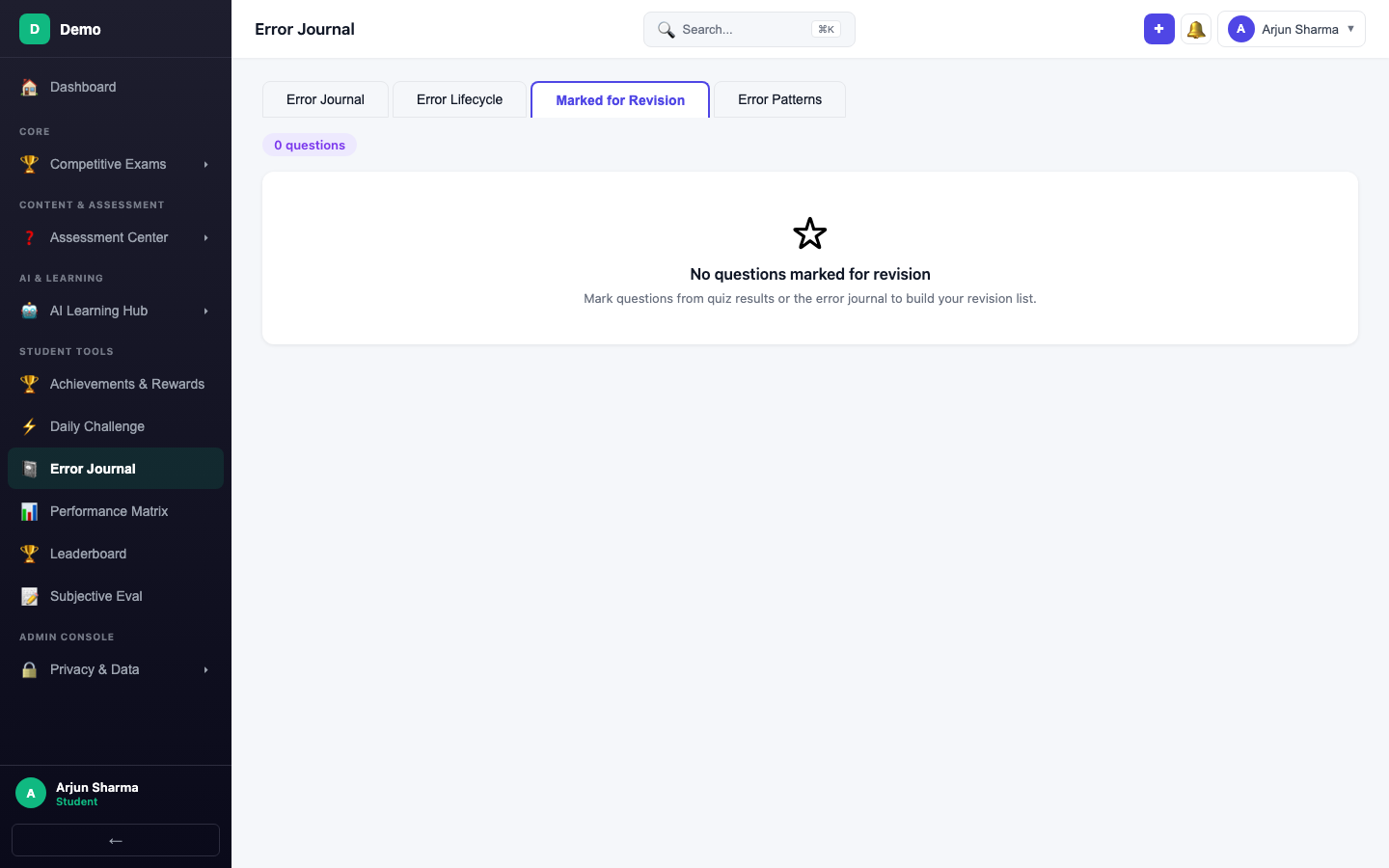
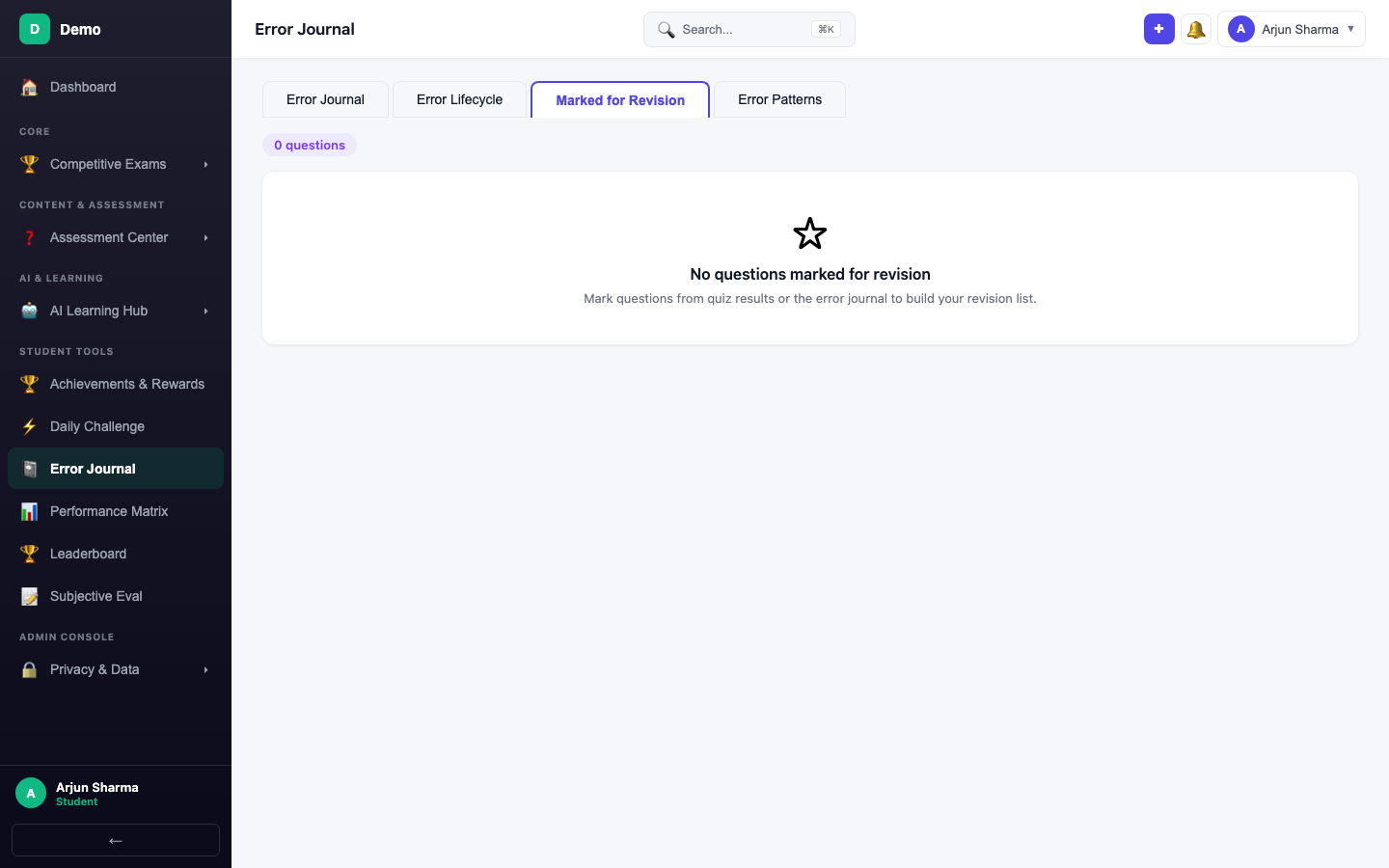
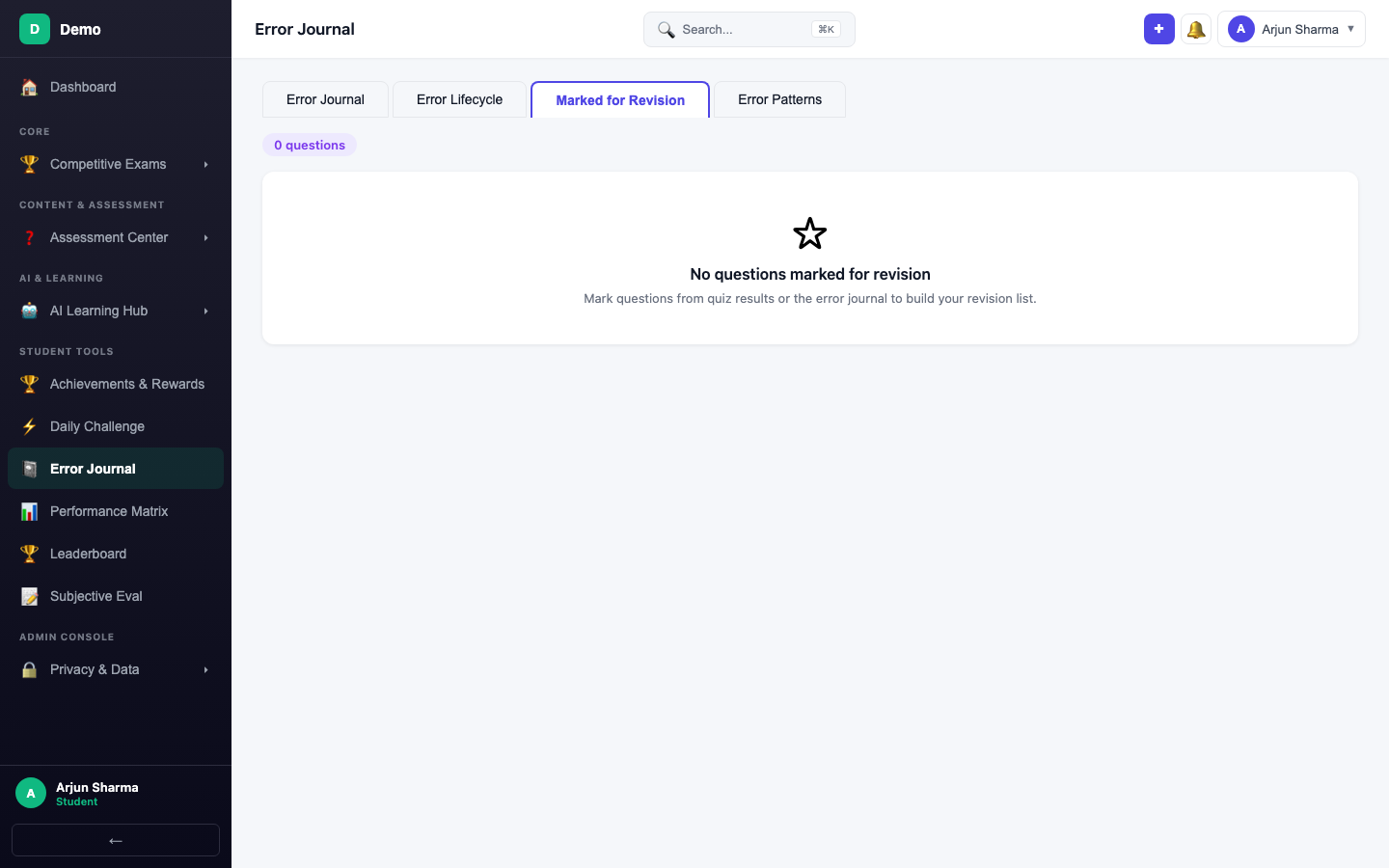
Marked for Revision
Switch to the Marked for Revision tab to see all questions you've flagged.
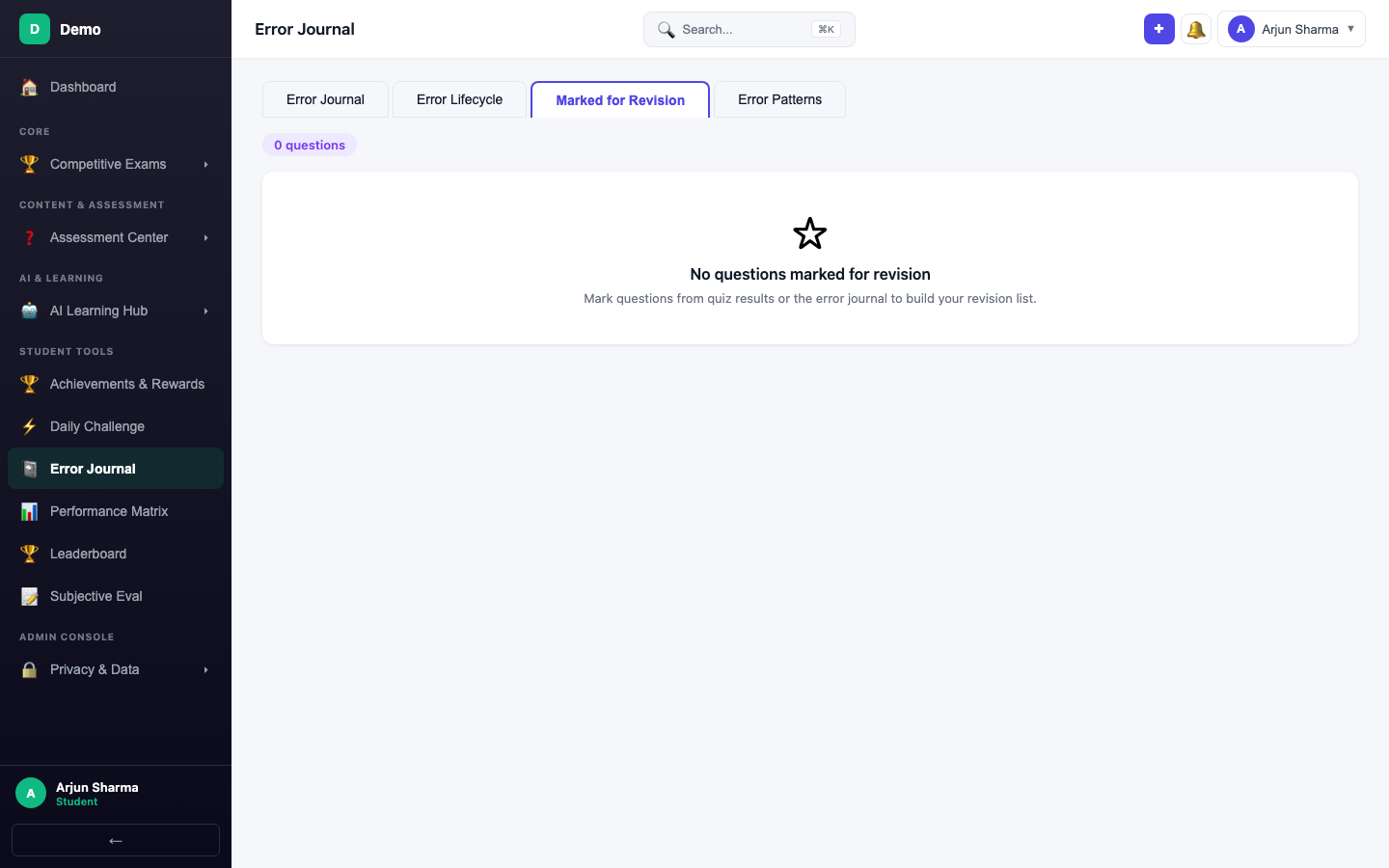
Create a Review Quiz
Switch back to Error Journal and click Review Topic Errors to create a review quiz from your wrong answers — test whether you've truly understood the concepts.
Flash Cards
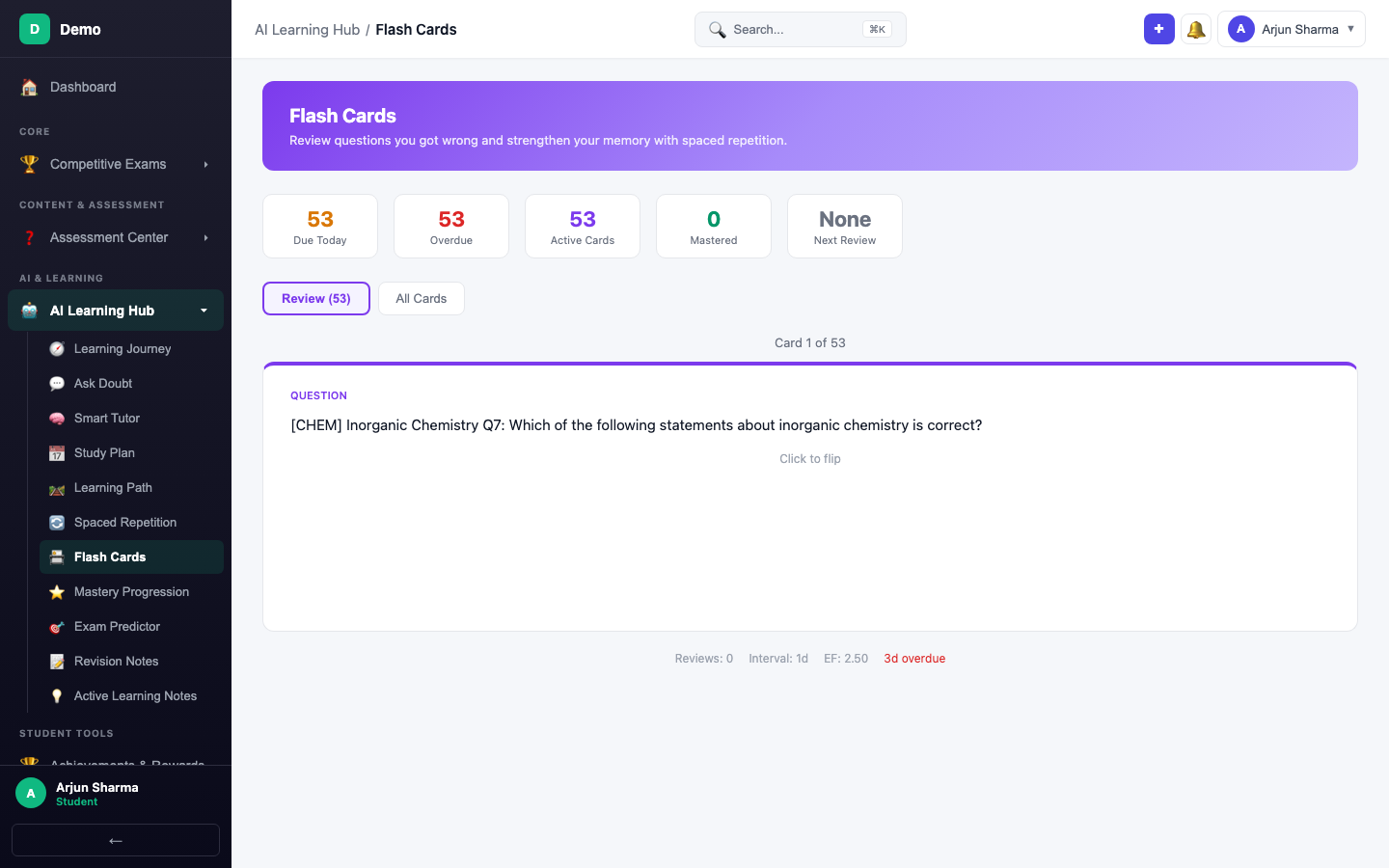
Navigate to Flash Cards from the sidebar. Cards are auto-generated from wrongly attempted questions.
Reviewing Cards
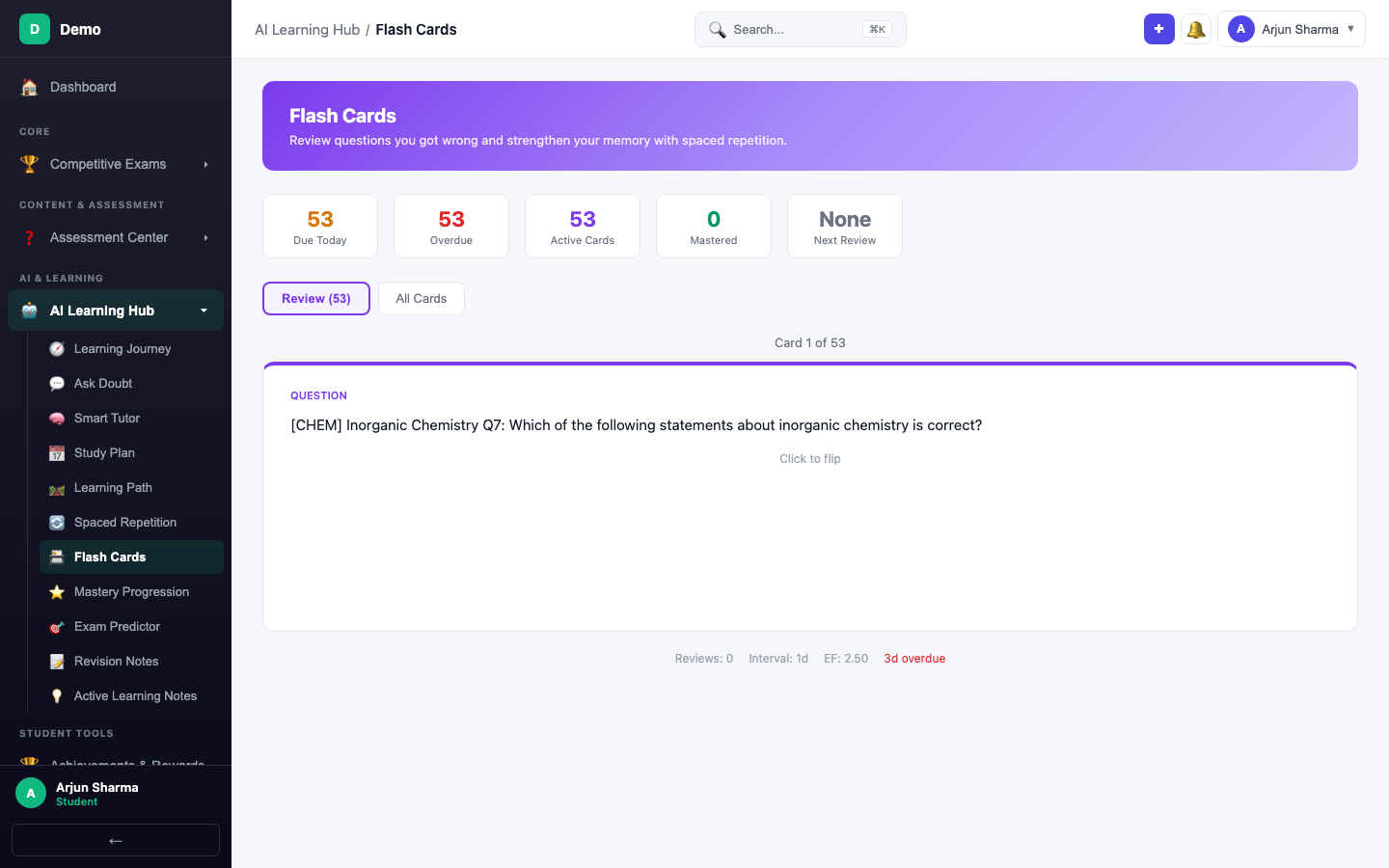
Click a card to flip it — the front shows the question, the back reveals the answer. Rate your recall quality (1-5) and the next review date adjusts accordingly.
Tabs Overview
| Tab | Purpose |
|---|---|
| Error Journal | All wrong questions grouped by topic |
| Error Lifecycle | Track improvement over time per topic |
| Marked for Revision | Questions you've flagged for focused review |
| Error Patterns | Aggregate analysis of common mistake types |