Content Management
Upload PDFs and documents to programs or batches. Uploaded content is automatically text-extracted and vector-embedded for RAG-powered doubt solving and AI tutoring.
Video Walkthrough
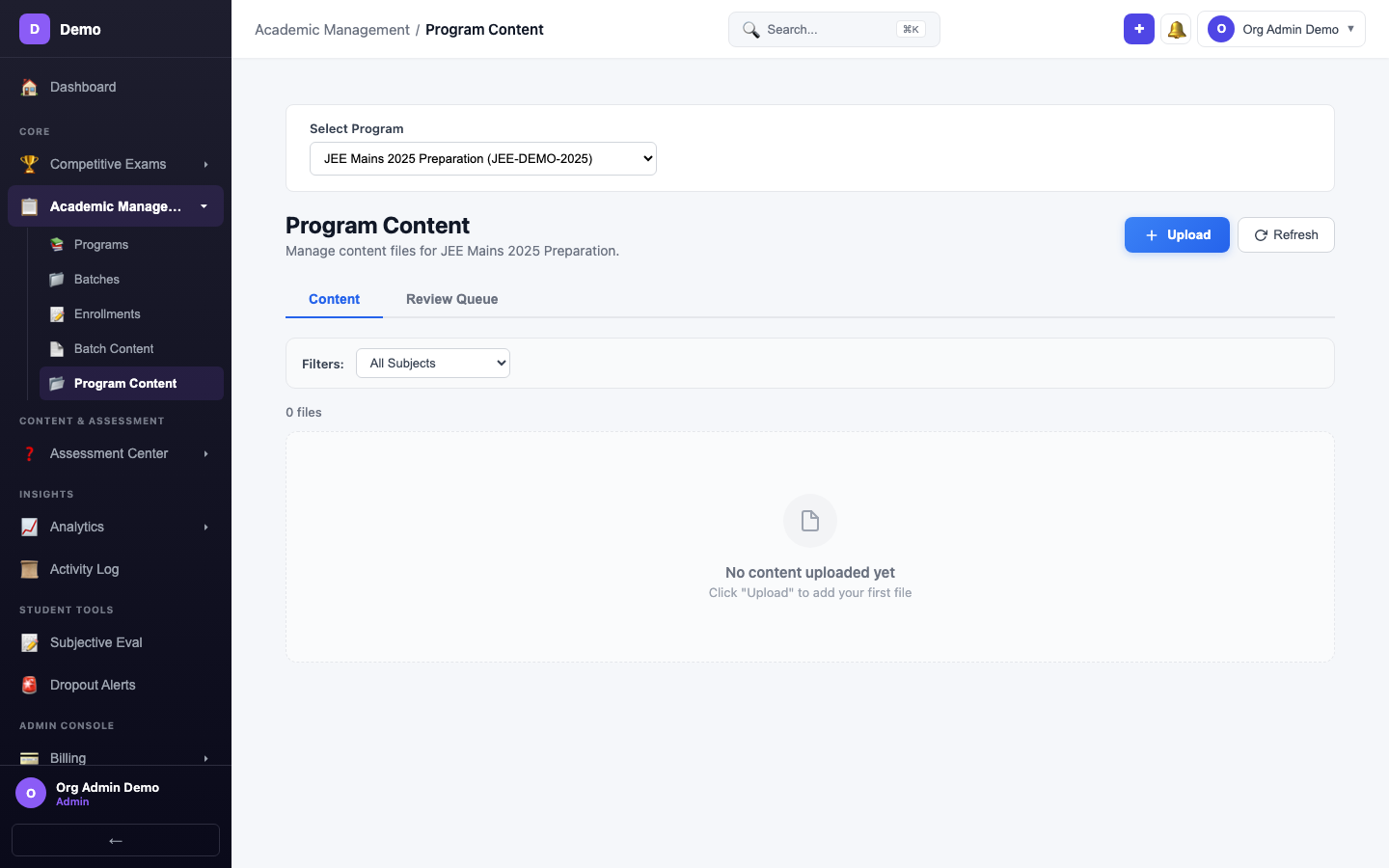
Program Content
Navigate to Academic Management → Program Content to upload content available to all batches within a program.
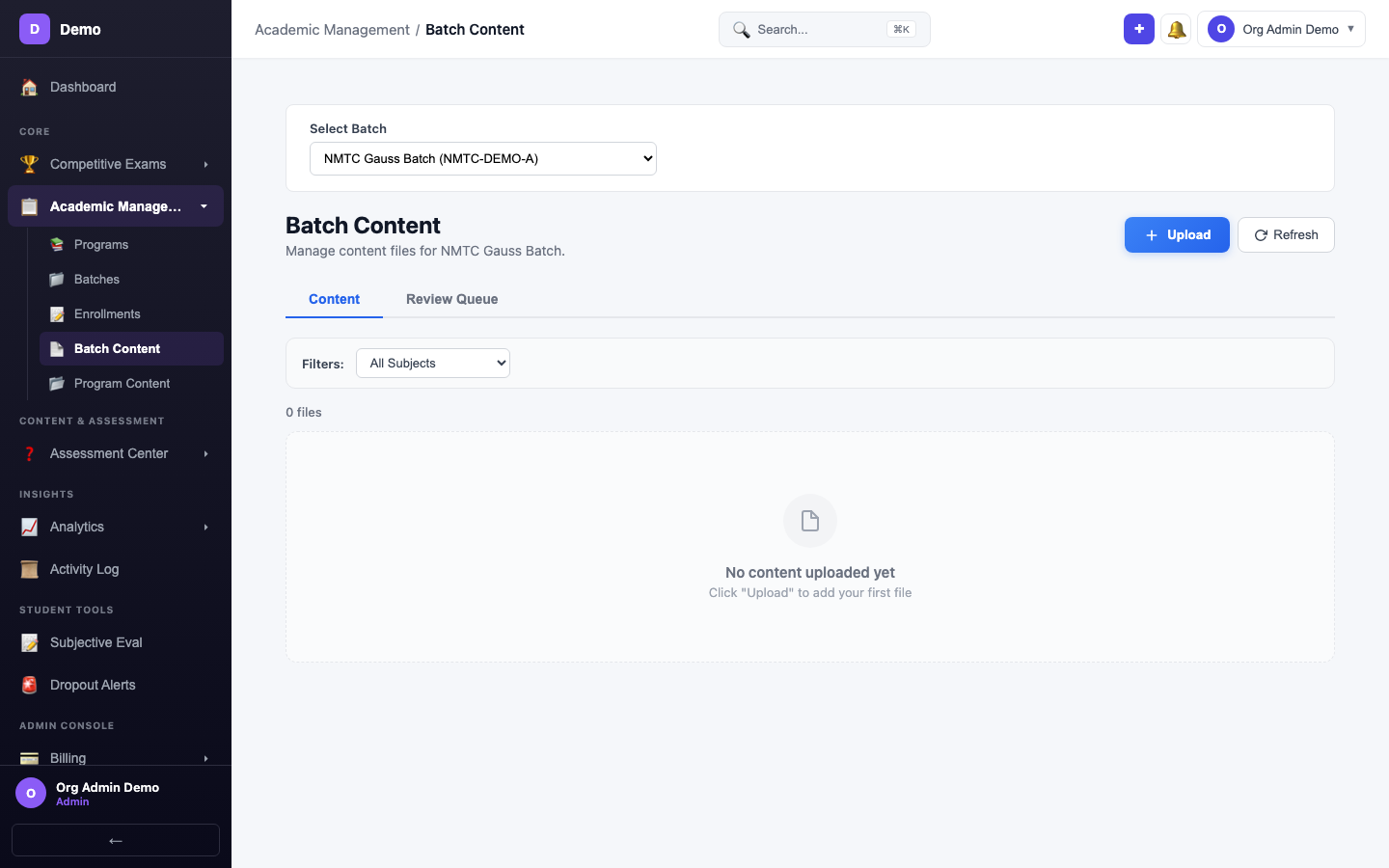
Batch Content
Navigate to Academic Management → Batch Content to upload content specific to a single batch.
Upload Workflow
- Select a program or batch from the dropdown
- Choose a file (PDF, up to 50MB)
- Select category: Lecture Notes, Assessment, Study Material, Reference, or Other
- Add description (optional)
- Click Upload
Content Categories
| Category | Use Case |
|---|---|
| Lecture Notes | Class notes, presentations |
| Assessment | Practice papers, test PDFs |
| Study Material | Textbook chapters, reference guides |
| Reference | Formulae sheets, quick guides |
After Upload
Once uploaded, the content is:
- Text-extracted — Full text is extracted for search
- Vector-embedded — Chunks are embedded for RAG search
- Available for AI — Doubt solver and AI tutor can reference this content
- Extractable — AI can extract questions from the PDF (see Question Bank)