Question Bank
Manage your organization's question bank: create questions manually, bulk import via JSON, or extract questions from uploaded PDFs using AI.
Video Walkthrough
Question List
Navigate to Assessment Center → Question Bank to browse all questions.
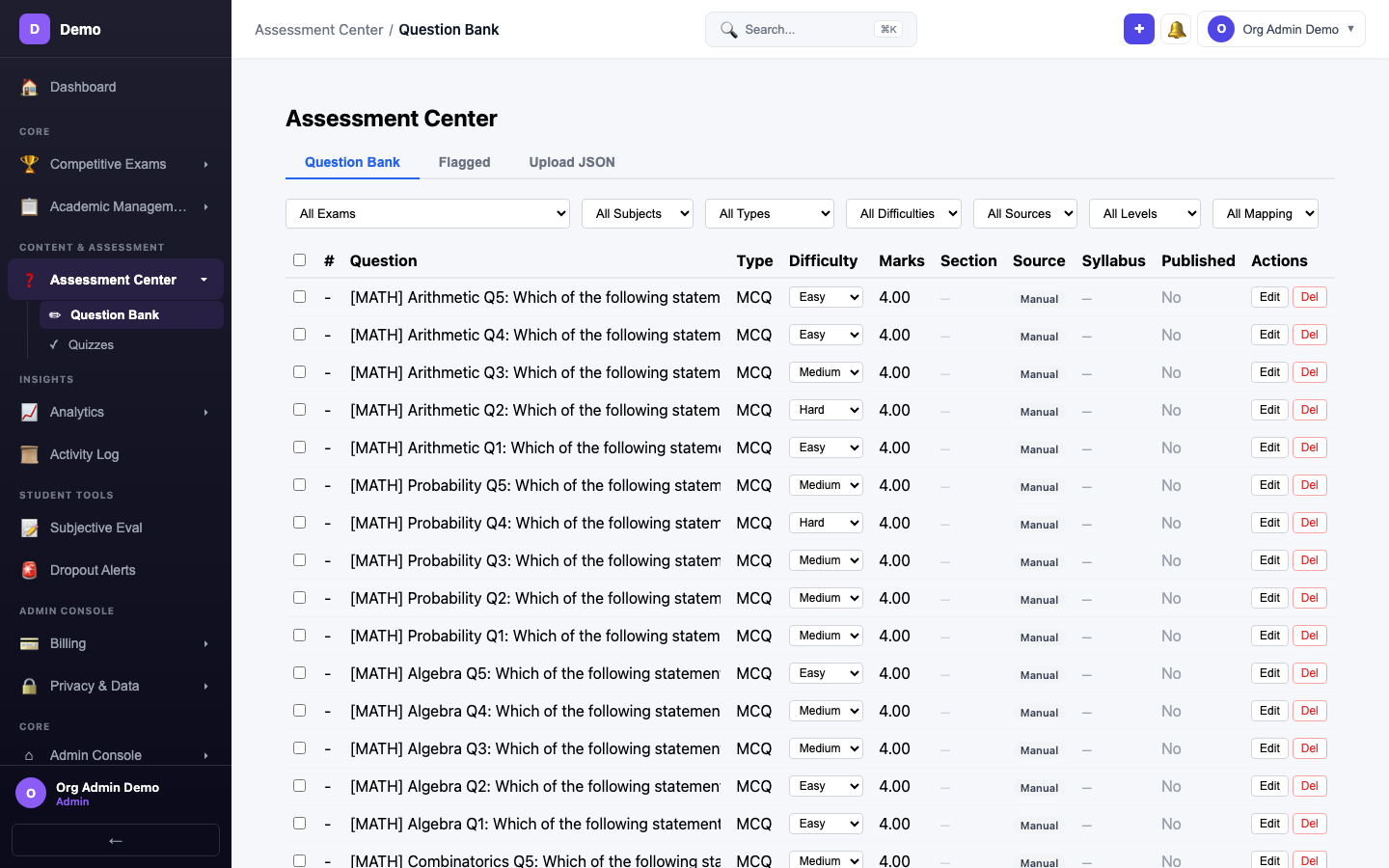
Filtering Questions
Use the filter dropdowns to narrow questions by exam, subject, chapter, topic, and difficulty level.
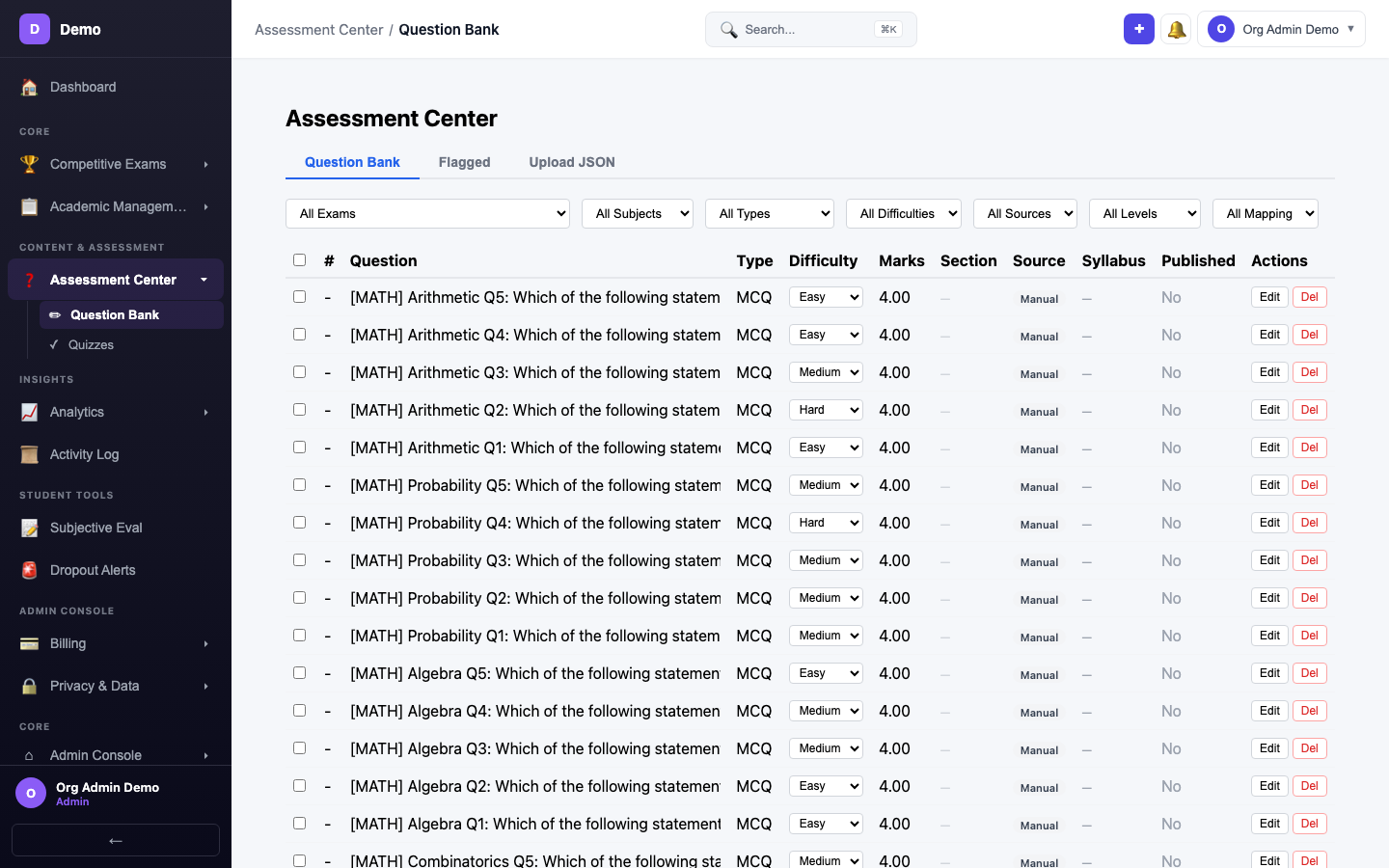
Bulk Upload
Switch to the Upload tab to import questions in bulk via JSON file.
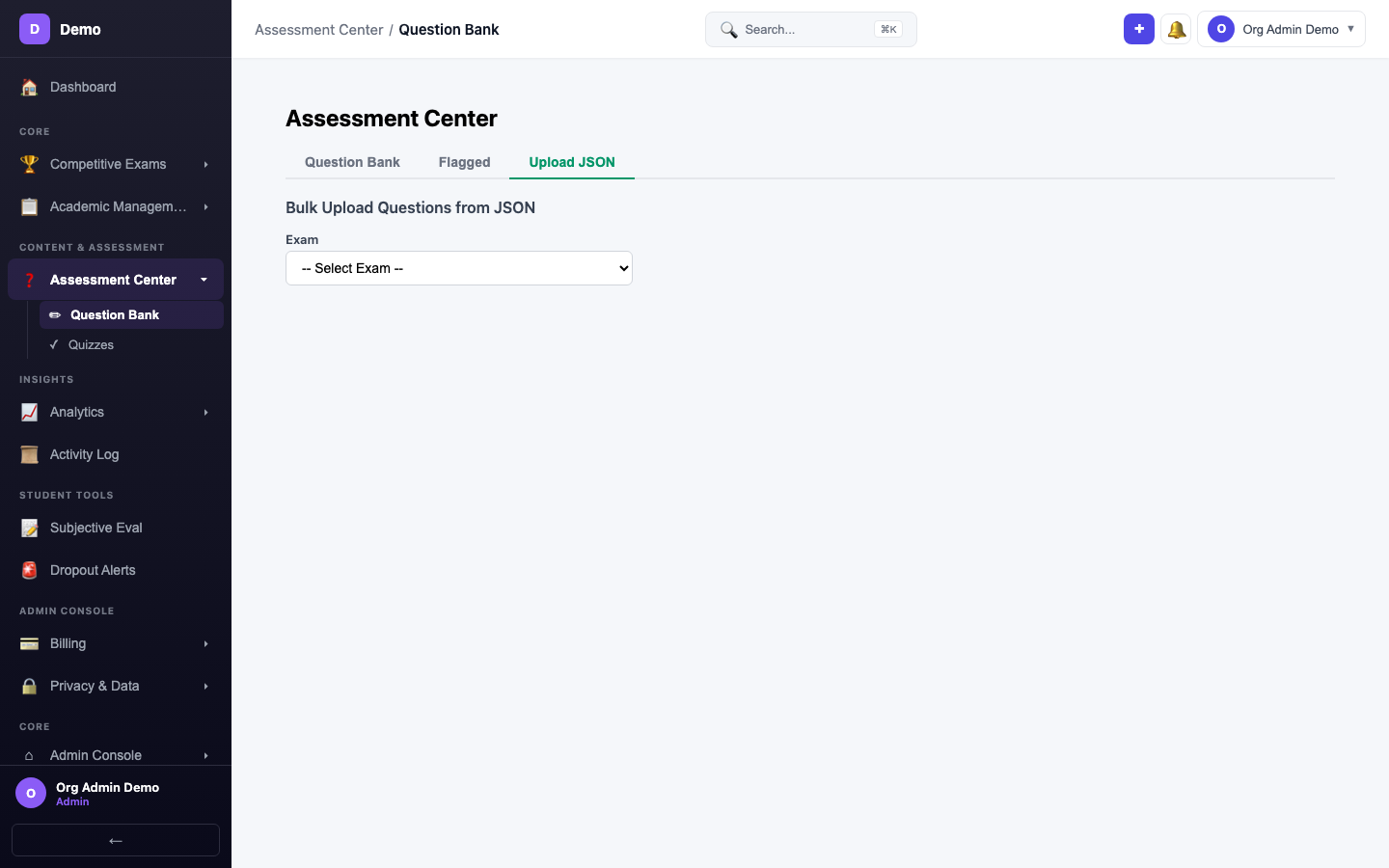
- Select the target exam and subject
- Upload a JSON file with question data
- Preview parsed questions
- Click Upload Questions
AI Question Extraction
You can also extract questions from uploaded PDFs:
- Go to Program Content or Batch Content
- Click Extract Questions on any uploaded PDF
- AI performs two-pass extraction (text-based + OCR fallback)
- Review and approve extracted questions
- Questions are added to the organizational question bank
Question Fields
| Field | Description |
|---|---|
| Question Text | The question body (supports markdown/LaTeX) |
| Options | 4 answer options (A, B, C, D) |
| Correct Answer | The correct option |
| Explanation | Detailed solution explanation |
| Difficulty | Easy, Medium, or Hard |
| Exam / Subject / Topic | Syllabus mapping |
| Tags | Custom tags for filtering |