AI Doubt Solver
Get instant answers to your questions using RAG-powered AI. Type your doubt or upload a photo of a question — the AI searches your course content, question bank, and public library to generate a detailed explanation.
Video Walkthrough
Getting Started
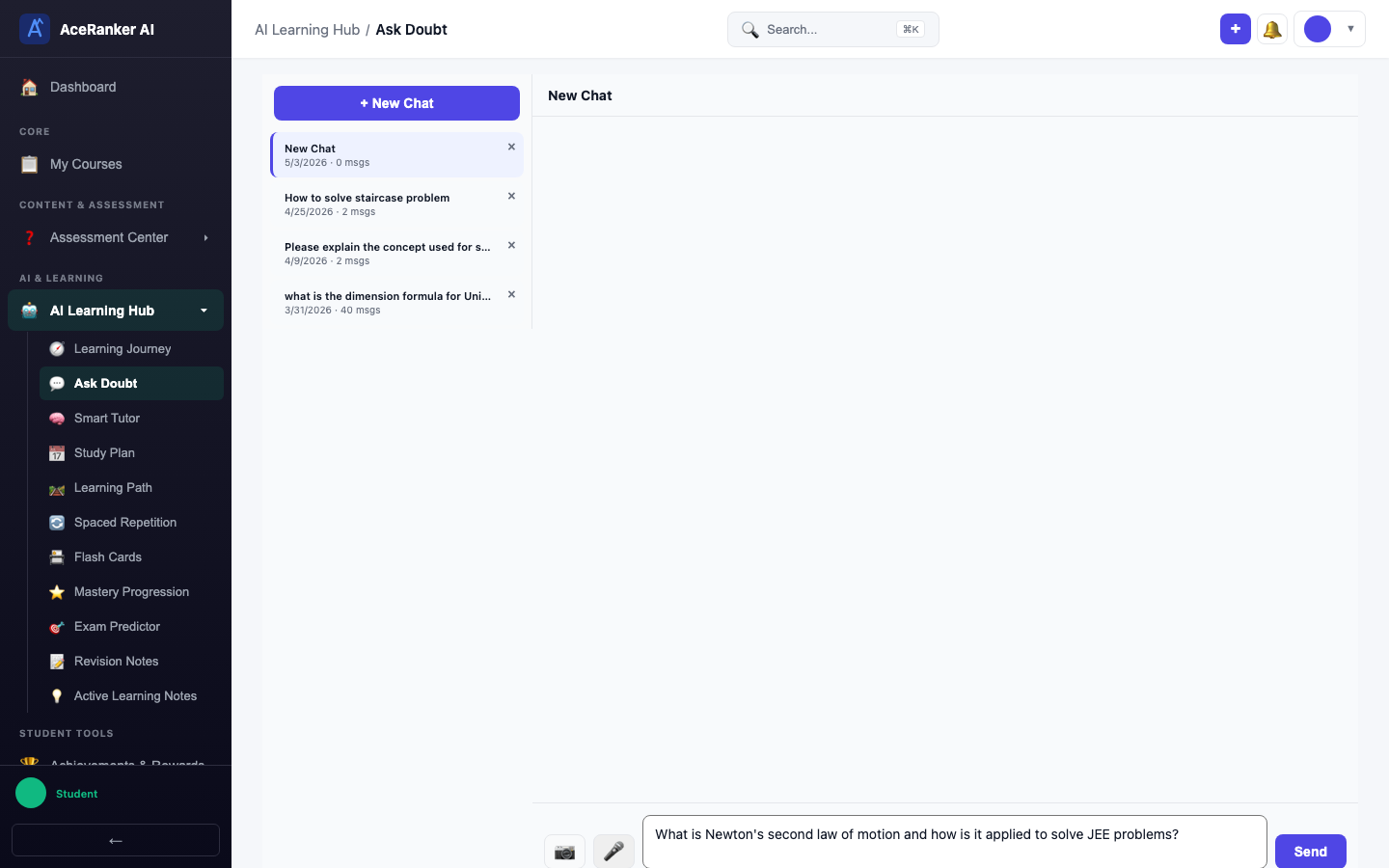
Navigate to Ask Doubt under the AI Learning Hub in the sidebar.

The interface has two panels:
- Left sidebar — session history with all past conversations
- Right panel — the chat area where you interact with the AI
Starting a New Chat
Click + New Chat to begin. You can optionally select an exam (e.g., JEE Mains) for context-aware answers, then click Start.


Asking a Question
Type your question in the input area and press Enter to send. The AI processes your query using RAG (Retrieval-Augmented Generation) — it searches your course material, question bank, and public content library for relevant context before generating an answer.
AI Response
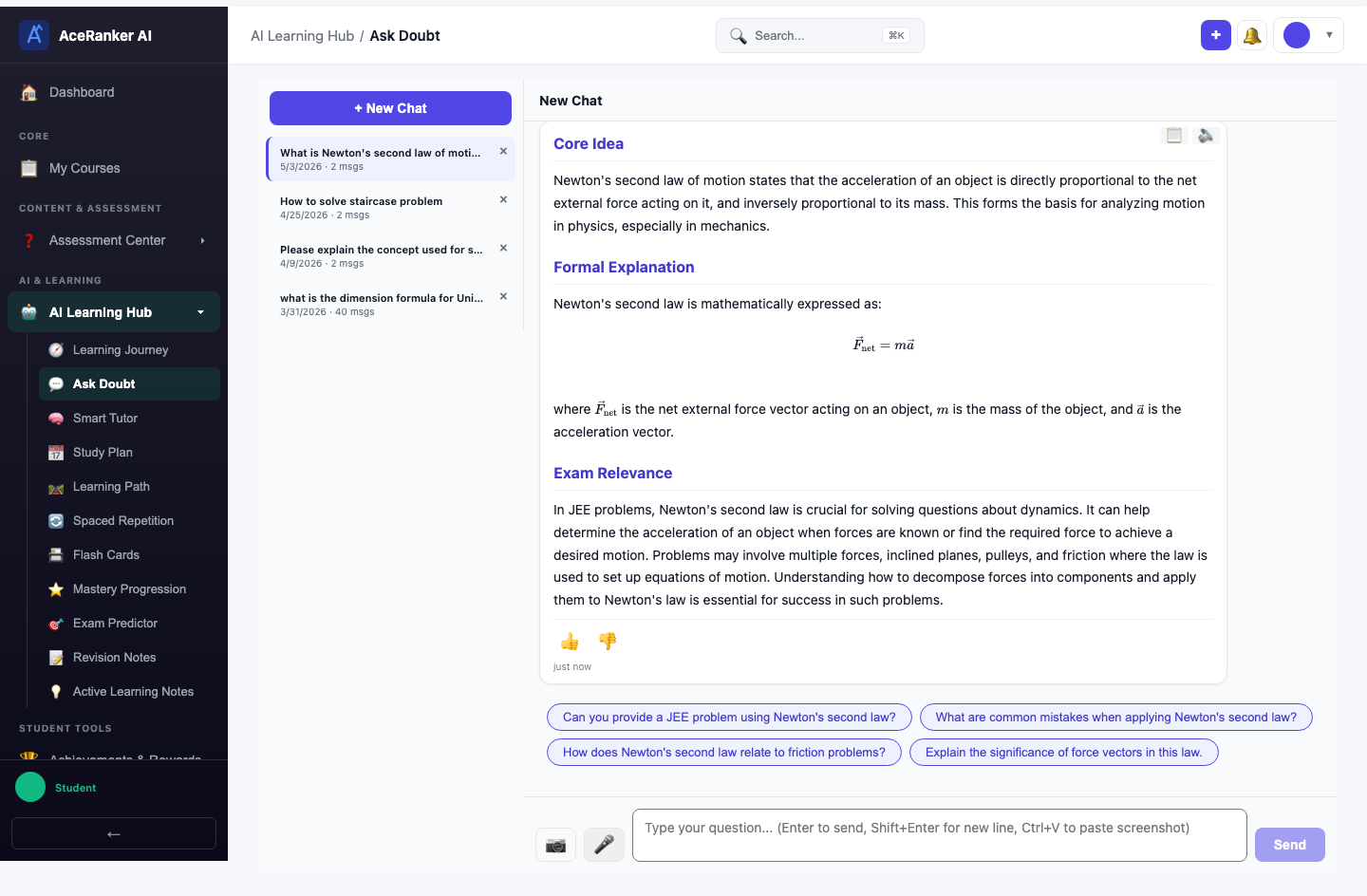
The AI generates a structured answer with:
- Core Idea — the fundamental concept
- Formal Expression — mathematical formulas and definitions
- Exam Relevance — how the concept appears in competitive exams
- Follow-up suggestions — related questions you can explore
Follow-up Questions
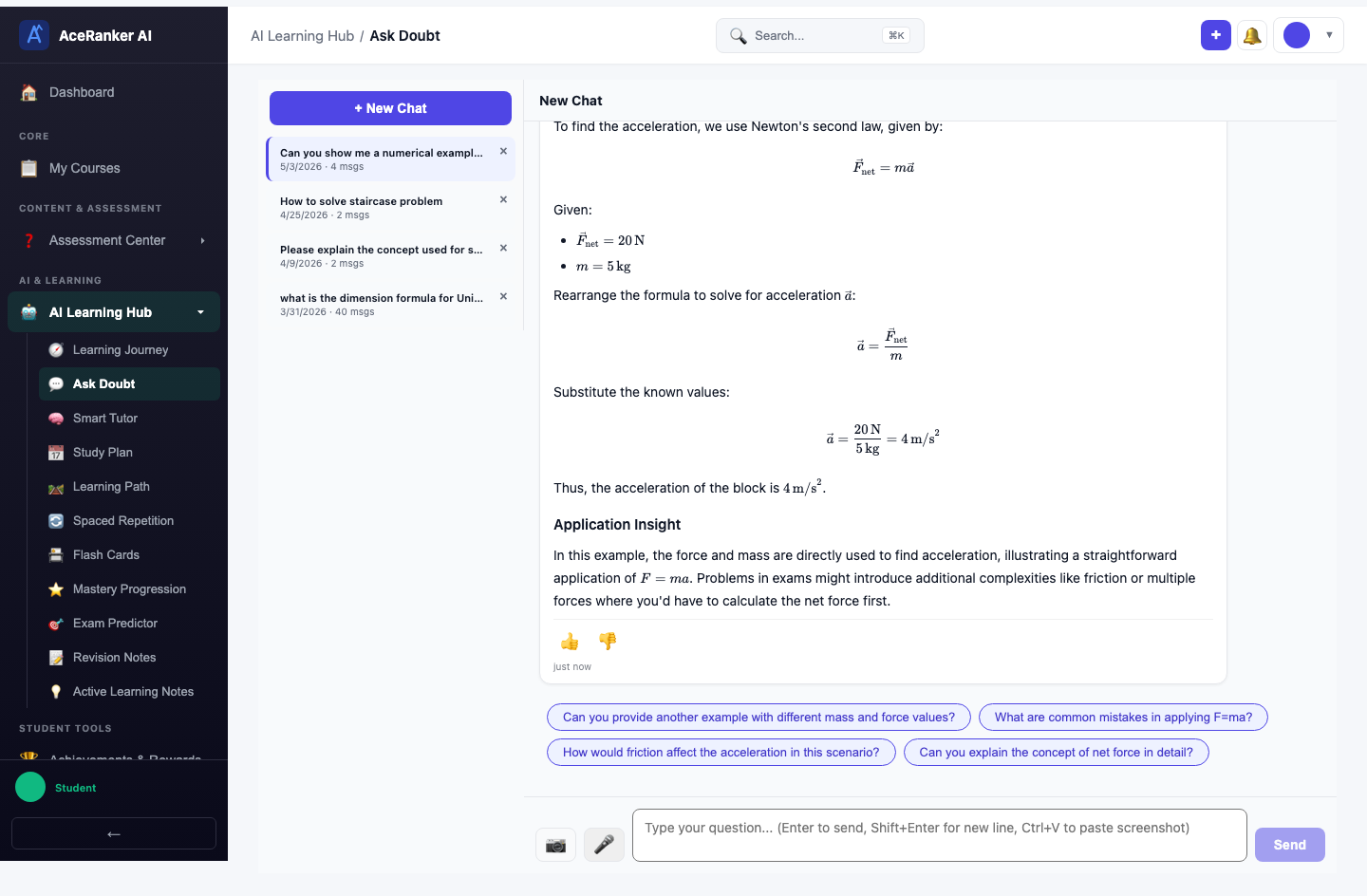
Ask follow-up questions in the same conversation — the AI maintains full context from earlier messages. For example, after asking about Newton's second law, you can ask "Can you show me a numerical example with F=ma?" and get a worked example.
Session History
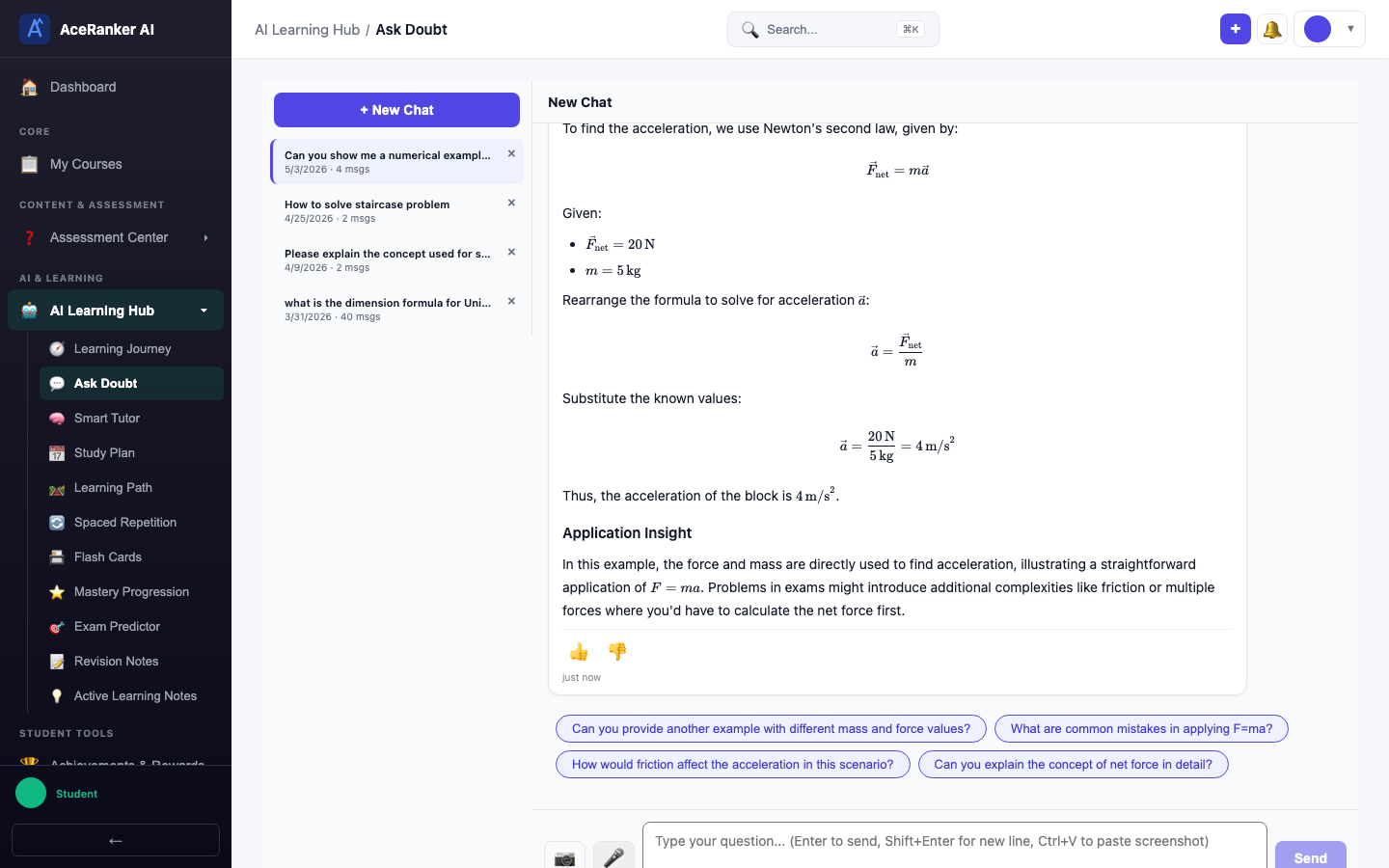
All doubt sessions are automatically saved in the sidebar. Click any past session to revisit the full conversation — useful for revision before exams.
Features
| Feature | Description |
|---|---|
| OCR Support | Upload photos of handwritten or printed questions — the AI reads them automatically |
| RAG-Powered | Answers reference your actual course content, question bank, and public content library |
| Conversation History | All doubt sessions are saved for later review |
| Content References | See which source materials the AI used to answer |
| Instant Cache | Common questions are answered instantly from the cache for faster responses |
| Voice Input | Use speech-to-text to ask questions hands-free |
Tips for Best Results
- Be specific — instead of "explain quadratic equations", ask "how do I solve x^2 - 5x + 6 = 0 by factoring?"
- Upload clear images — crop to show only the question for better OCR accuracy
- Use follow-ups — if the first answer isn't clear, ask "can you explain step 3 in more detail?"
- Select your exam — choosing JEE Mains or NEET gives you exam-specific context and tips
- Check references — the AI shows which content it used, so you can read the original material