AI Study Plan
A personalized weekly study plan generated by AI based on your quiz performance, weak areas, and available study time. The plan tells you exactly what to study each day — subjects, topics, and activity types — so you never waste time wondering where to start.
Video Walkthrough
Overview
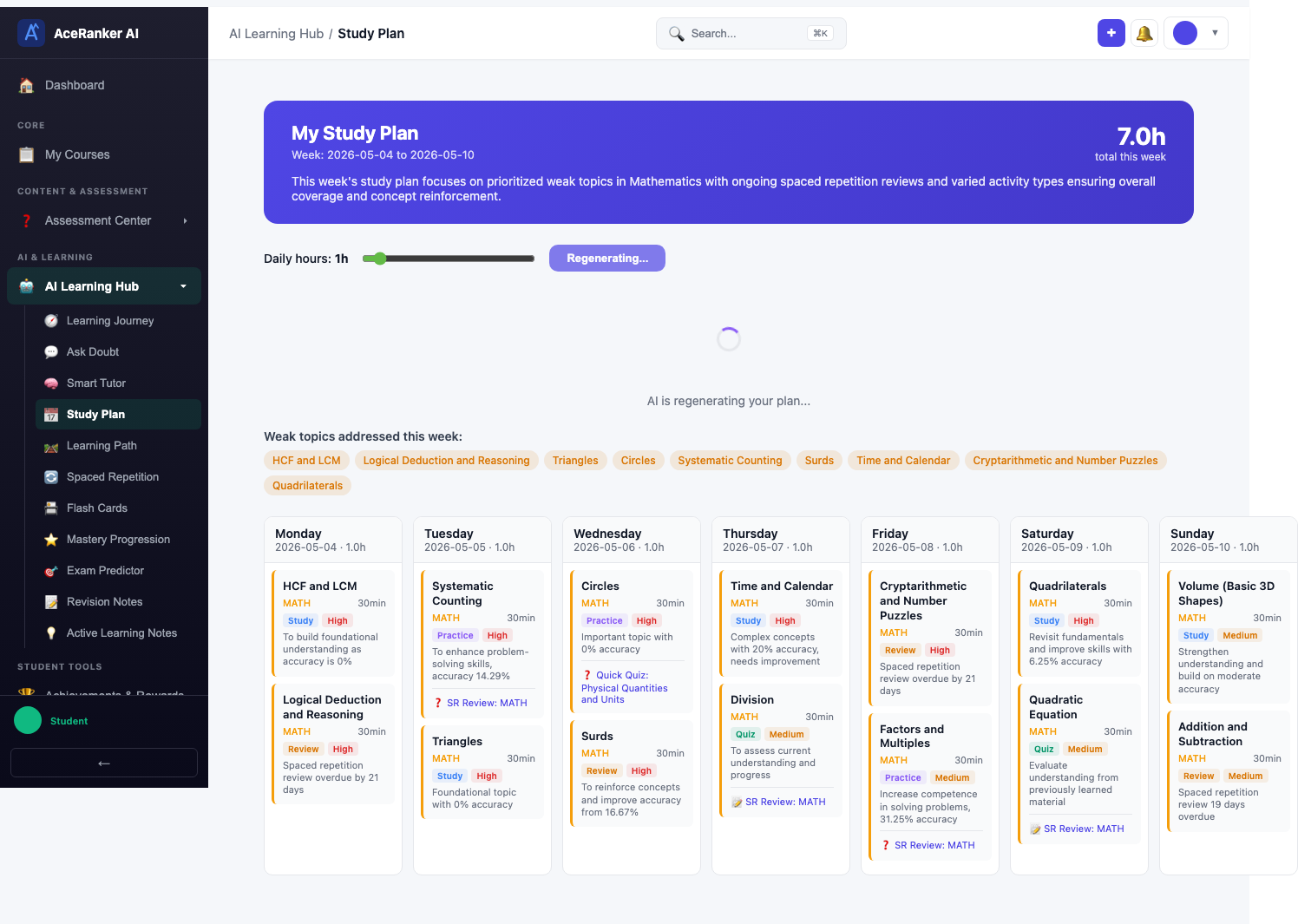
Navigate to Study Plan under the AI Learning Hub in the sidebar. The page shows your current weekly plan with a day-by-day grid.
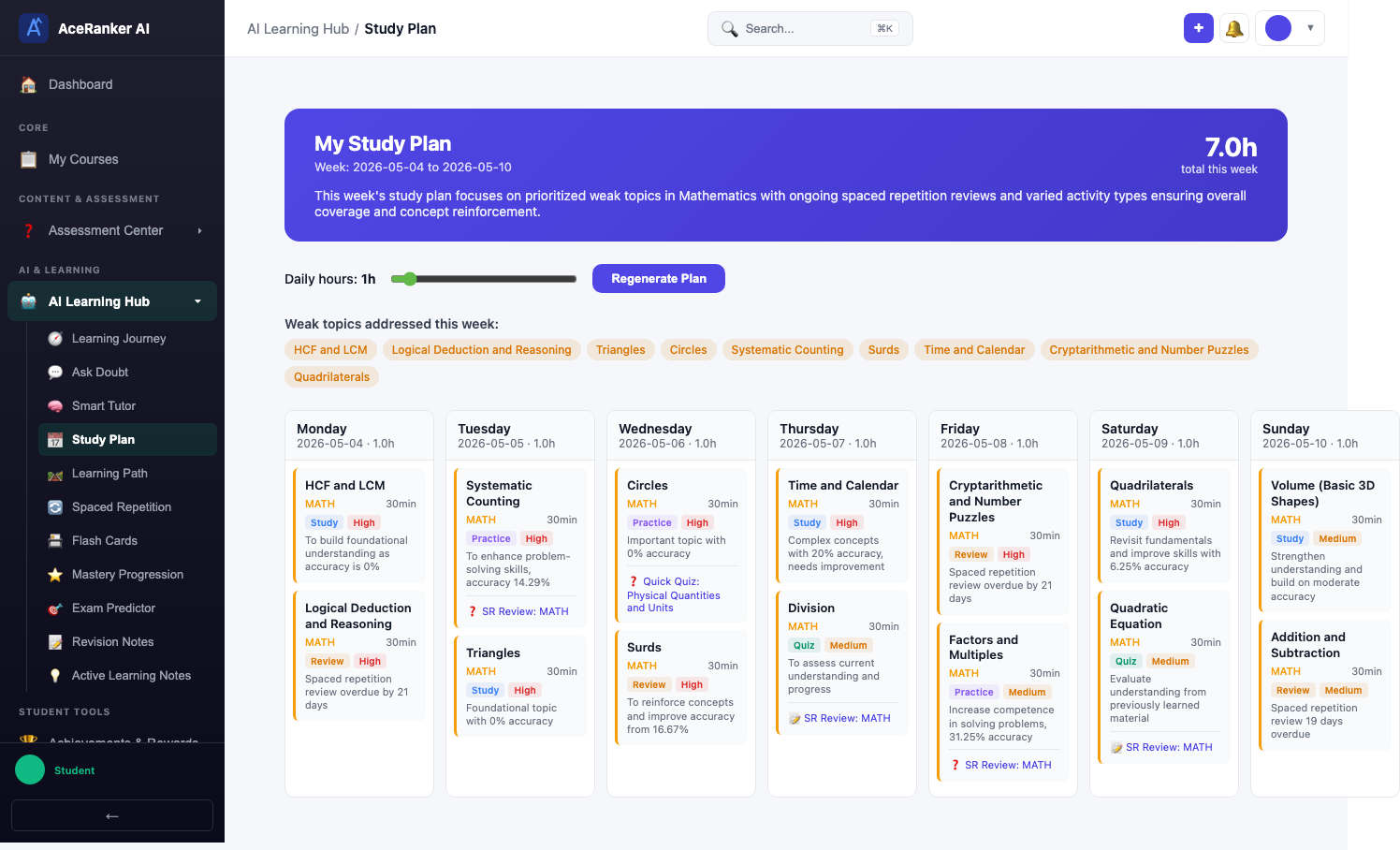
The top section shows:
- Plan date range — The week the plan covers (e.g., "Week: 2026-04-06 to 2026-04-12")
- Total hours this week — Estimated study time (e.g., 7.0h)
- Daily Hours progress bar — Your configured daily hours with a visual indicator
- Regenerate Plan button — Create a fresh plan based on latest data
- Weak topics addressed this week — Topics the AI has prioritized (e.g., "Surds and Indices", "Sets and Calendar", "Compliments and Number Puzzles")
Weekly Grid
The grid shows each day of the week (Monday through Sunday) with color-coded study blocks.
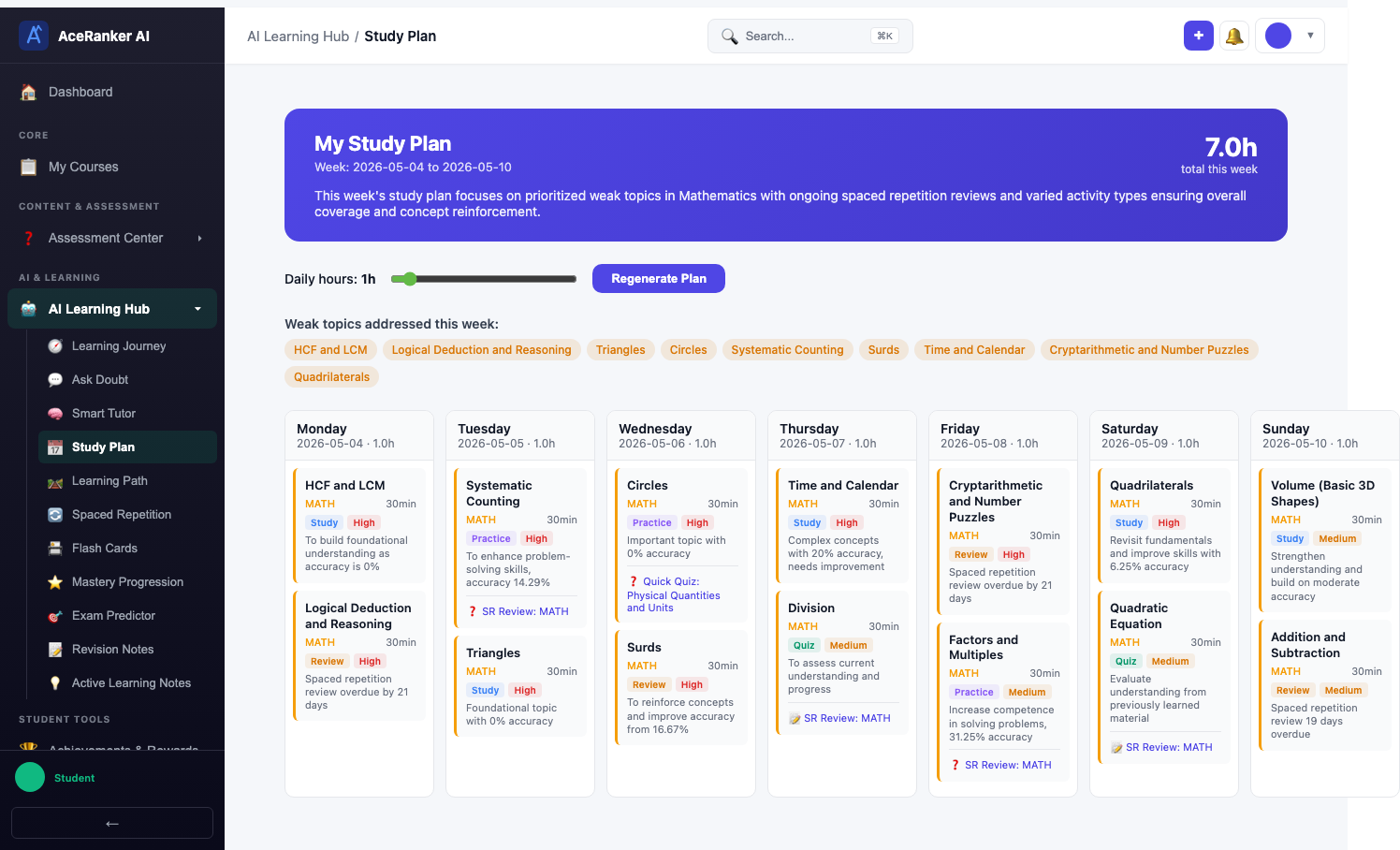
Each study block shows:
- Topic name — What to study (e.g., "HCF and LCM", "Circles", "Quadrilaterals")
- Subject badge — Color-coded subject indicator (e.g., MATH in orange)
- Duration — Estimated time for the block (e.g., "35 minutes", "45 minutes")
- Activity type — Study, Practice, or Review
The blocks are distributed across the week to ensure balanced coverage of all weak areas.
Study Block Detail
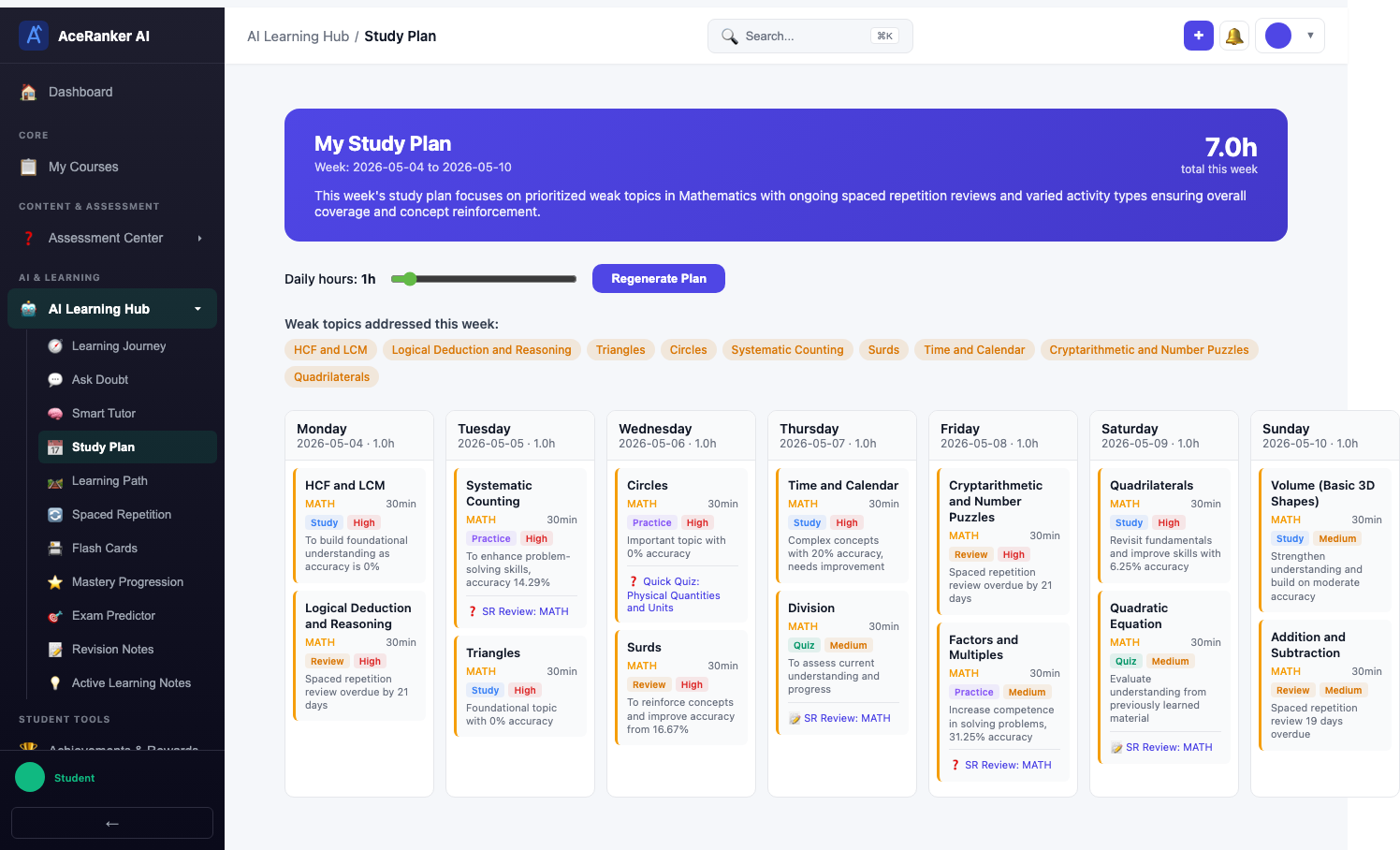
Click any study block to see more details about what to cover in that session.
Customization
Set your study preferences to help the AI generate better plans.
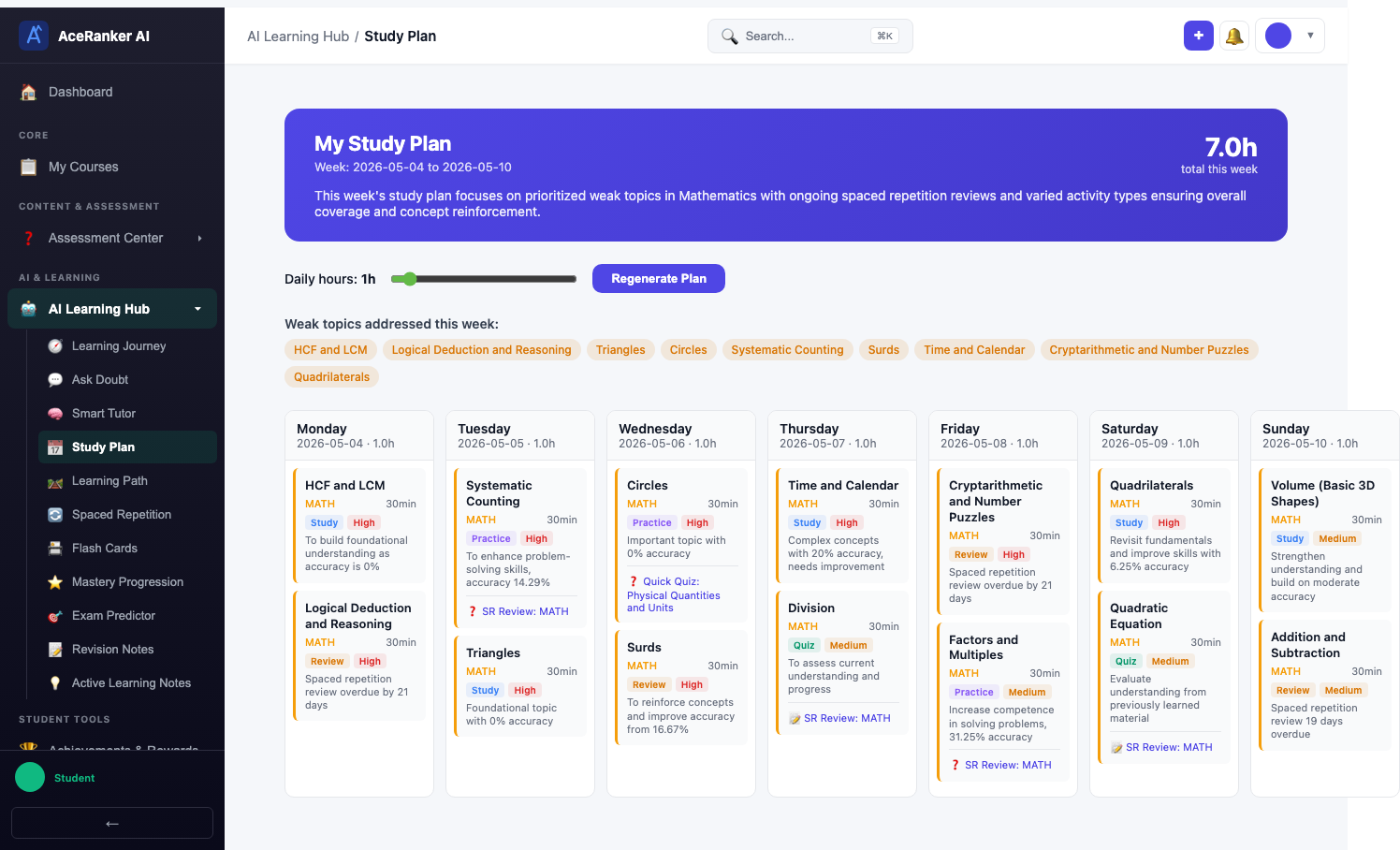
| Setting | Purpose |
|---|---|
| Daily study hours | How many hours you can study per day |
| Preferred subjects | Subjects you want to focus on more |
| Exam date | When your exam is — the AI adjusts urgency accordingly |
Generating a New Plan
Click Regenerate Plan to create a fresh AI-powered study plan. The AI analyzes:
- Your recent quiz performance across all subjects
- Your spaced repetition data (which topics are due for review)
- Your weak areas from the error journal
- Your available study hours
The plan is regenerated automatically on a weekly basis, but you can trigger a manual refresh anytime.
What's Included
| Feature | Description |
|---|---|
| Weekly Grid | Day-by-day schedule with study blocks |
| Subject Allocation | Time distributed based on your weak areas |
| Activity Types | Mix of concept study, practice quizzes, and revision |
| Completion Tracking | Mark blocks as done to track adherence |
| Auto-Refresh | Plans regenerate weekly based on latest quiz data |
The AI allocates more time to your weak subjects automatically. Trust the plan — studying what you think you need is often different from what the data shows you actually need.