Mastery Progression
Track your mastery across every topic in your exam syllabus. The Mastery Progression page gives you a visual map of what you've mastered, what you're learning, and what's still locked — so you always know exactly where you stand.
Video Walkthrough
Overview
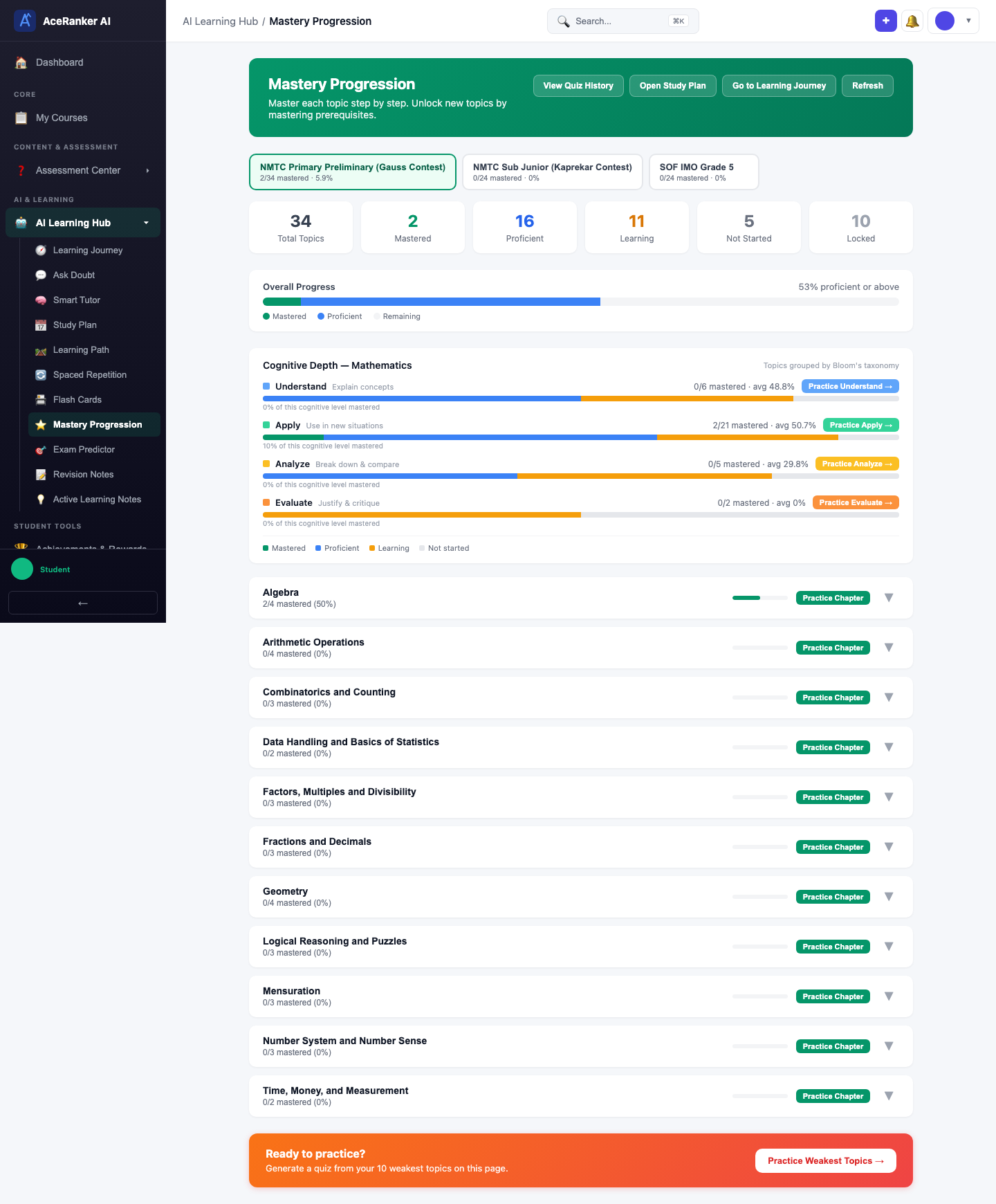
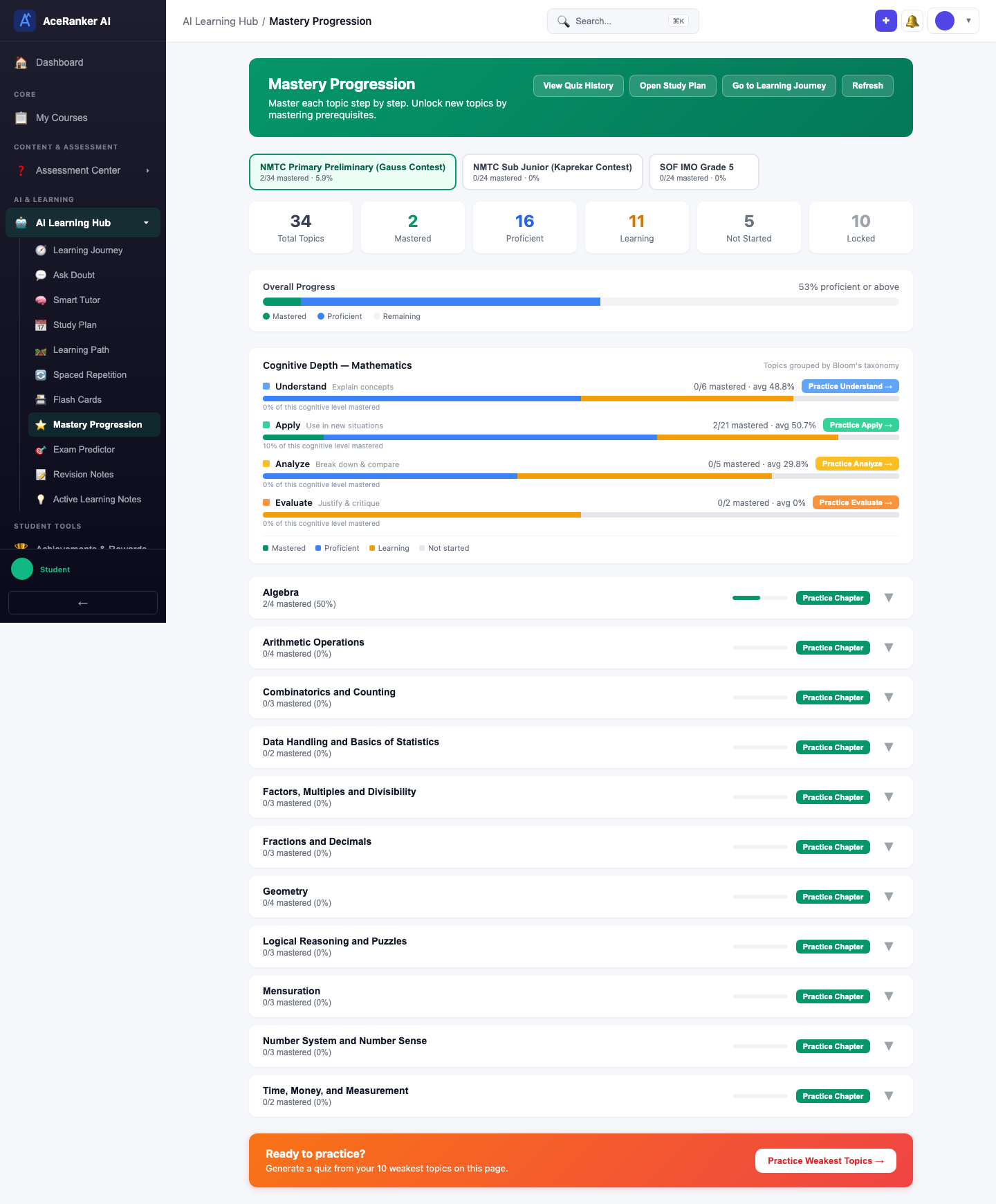
Navigate to Mastery Progression under the AI Learning Hub in the sidebar. The page shows your mastery across all topics for your active exam.
Exam Tabs
At the top, exam tabs let you switch between exams you're enrolled in (e.g., MPRTC Primary Preliminary, NRTS Sub Junior, KSF MIO Grade 5). Each exam has its own independent mastery map.
KPI Summary
The KPI cards show your overall mastery at a glance:
| Metric | Meaning |
|---|---|
| Total Topics | Total topics in the exam syllabus |
| Mastered | Topics where you've achieved full mastery |
| Proficient | Topics with high accuracy and multiple successful attempts |
| Learning | Topics you've started but haven't mastered yet |
| Not Started | Topics you haven't attempted any questions on |
| Locked | Topics that unlock after mastering prerequisite topics |
The Overall Progress bar shows your combined mastery percentage across all topics.
Quick Links
The top banner provides quick navigation to related features:
- View Quiz History — See all your past quiz attempts
- Open Study Plan — Go to your AI-generated study plan
- Go to Learning Journey — View your overall learning path
- Refresh — Recalculate mastery from latest quiz data
Cognitive Depth (Bloom's Taxonomy)
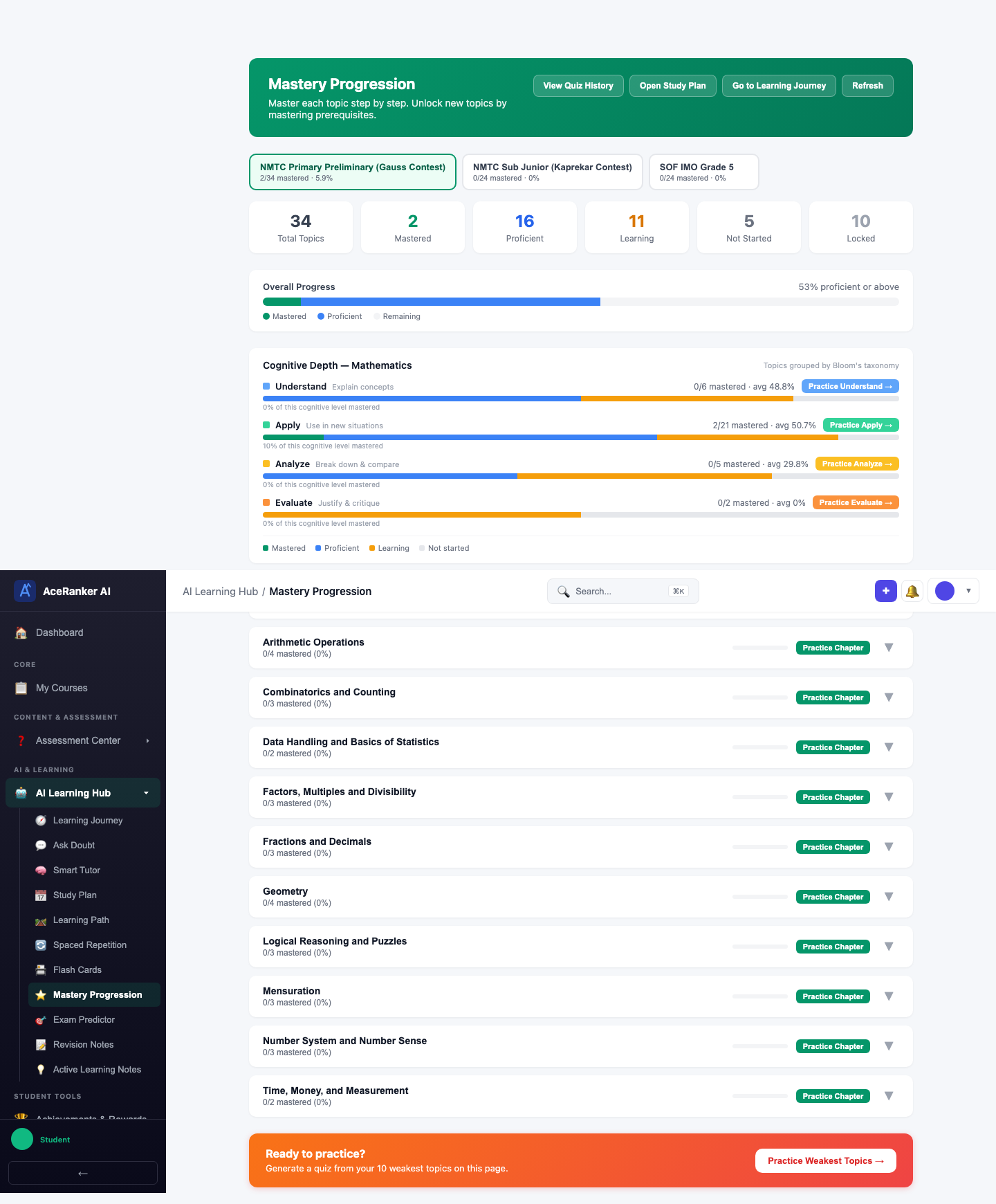
Below the KPIs, the Cognitive Depth — Mathematics section shows how your mastery distributes across Bloom's Taxonomy levels:
| Level | Description |
|---|---|
| Apply | Use information in new situations |
| Analyze | Draw connections among ideas |
| Evaluate | Justify a decision or course of action |
Each level shows a progress bar with the number of topics mastered out of total, plus your mastery percentage — helping you see whether you're developing deep understanding or just surface-level recall.
Chapter & Topic Breakdown
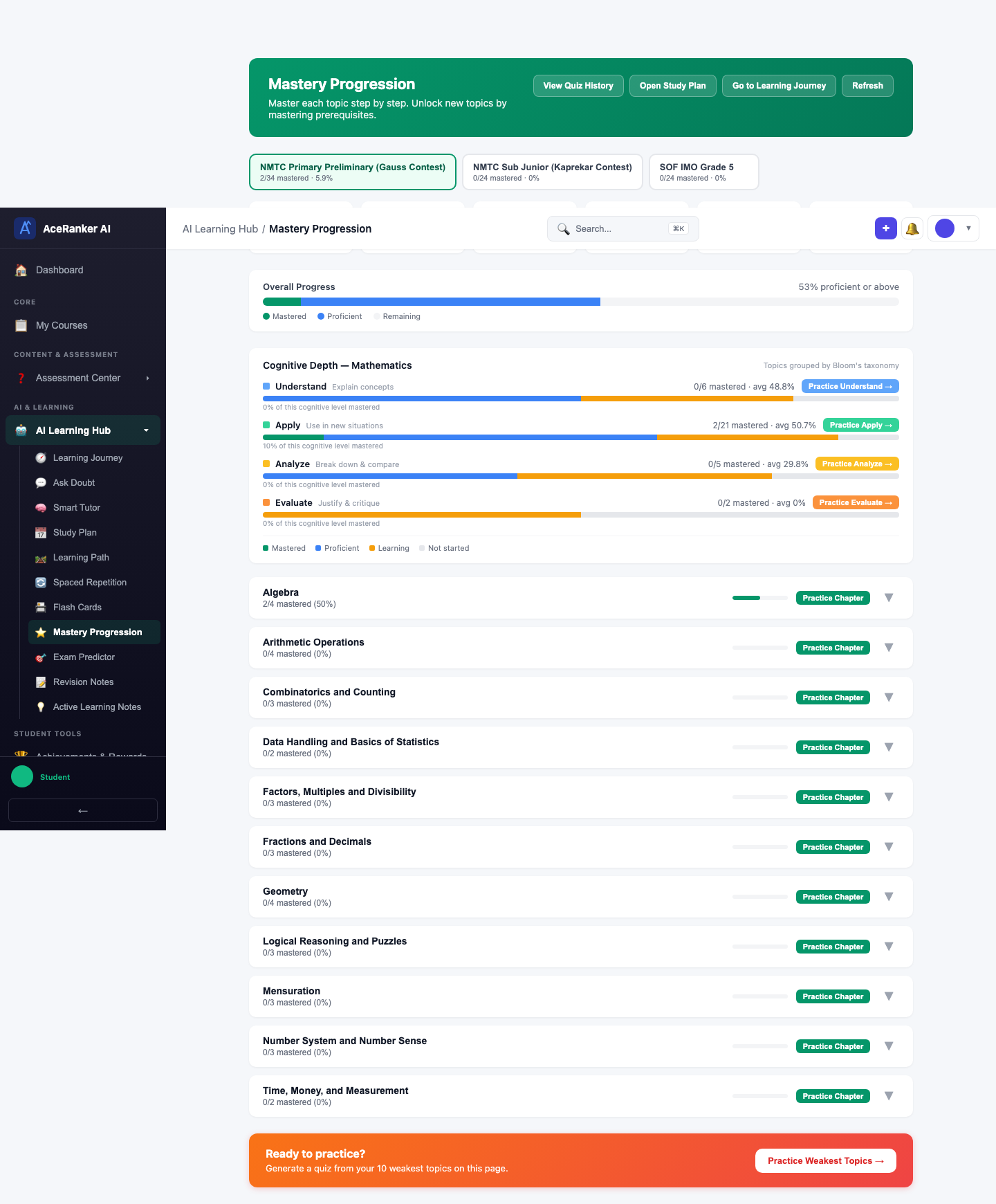
Topics are grouped by chapter under each subject. Each chapter card shows:
- Chapter name and overall mastery percentage
- Progress bar with color-coded segments (Mastered, Proficient, Learning, Not Started)
- Number of topics mastered vs total
- Practice Weak Topics button to quickly create a quiz for that chapter
Expanding a Chapter
Click any chapter card to expand it and see individual topic mastery.
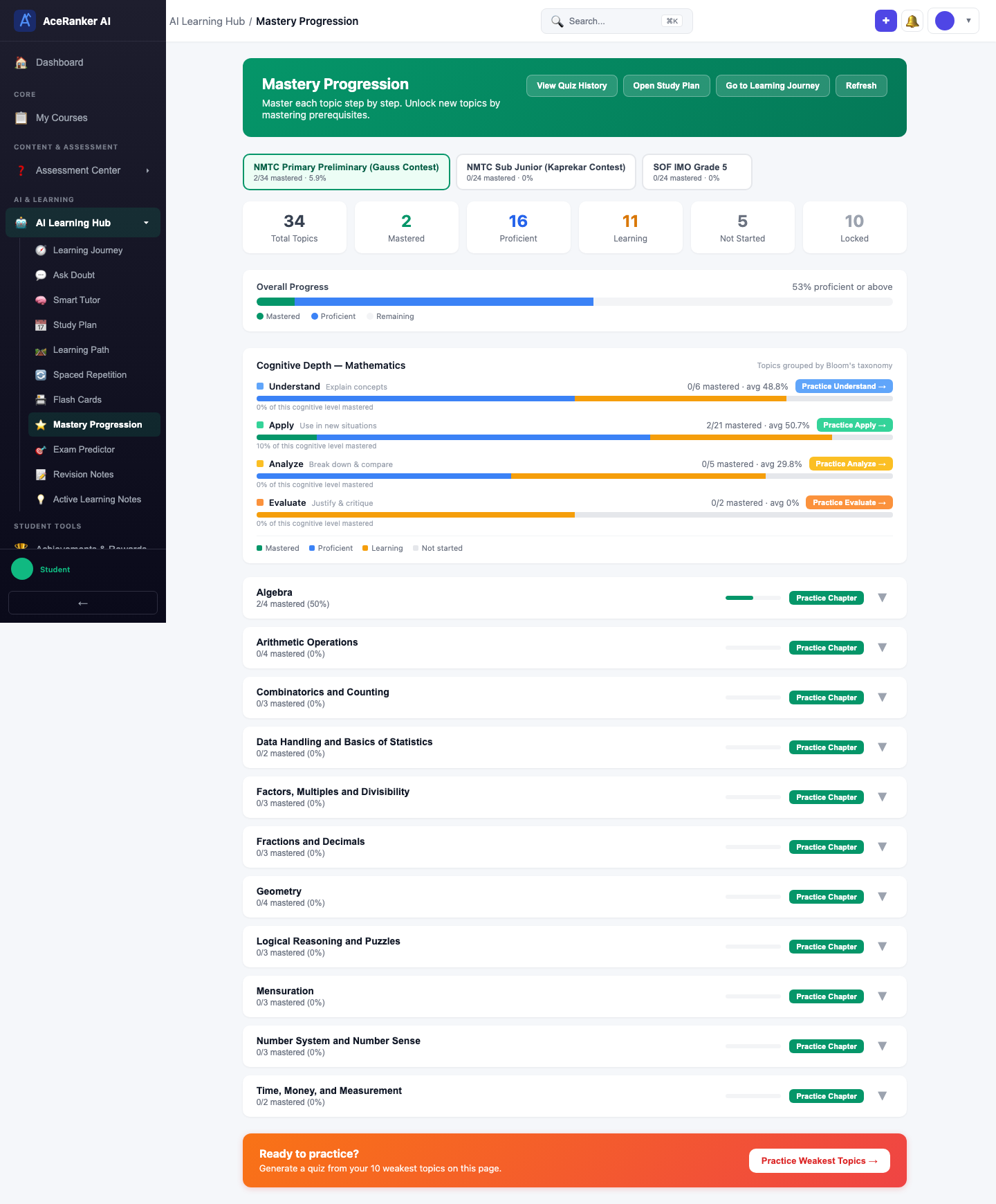
Each topic shows:
- Topic name
- Mastery level badge (Beginner, Intermediate, Advanced, Mastered)
- Accuracy percentage
- Number of attempts
Topic Details & Actions
Drill into a specific topic to see detailed mastery information and take action.
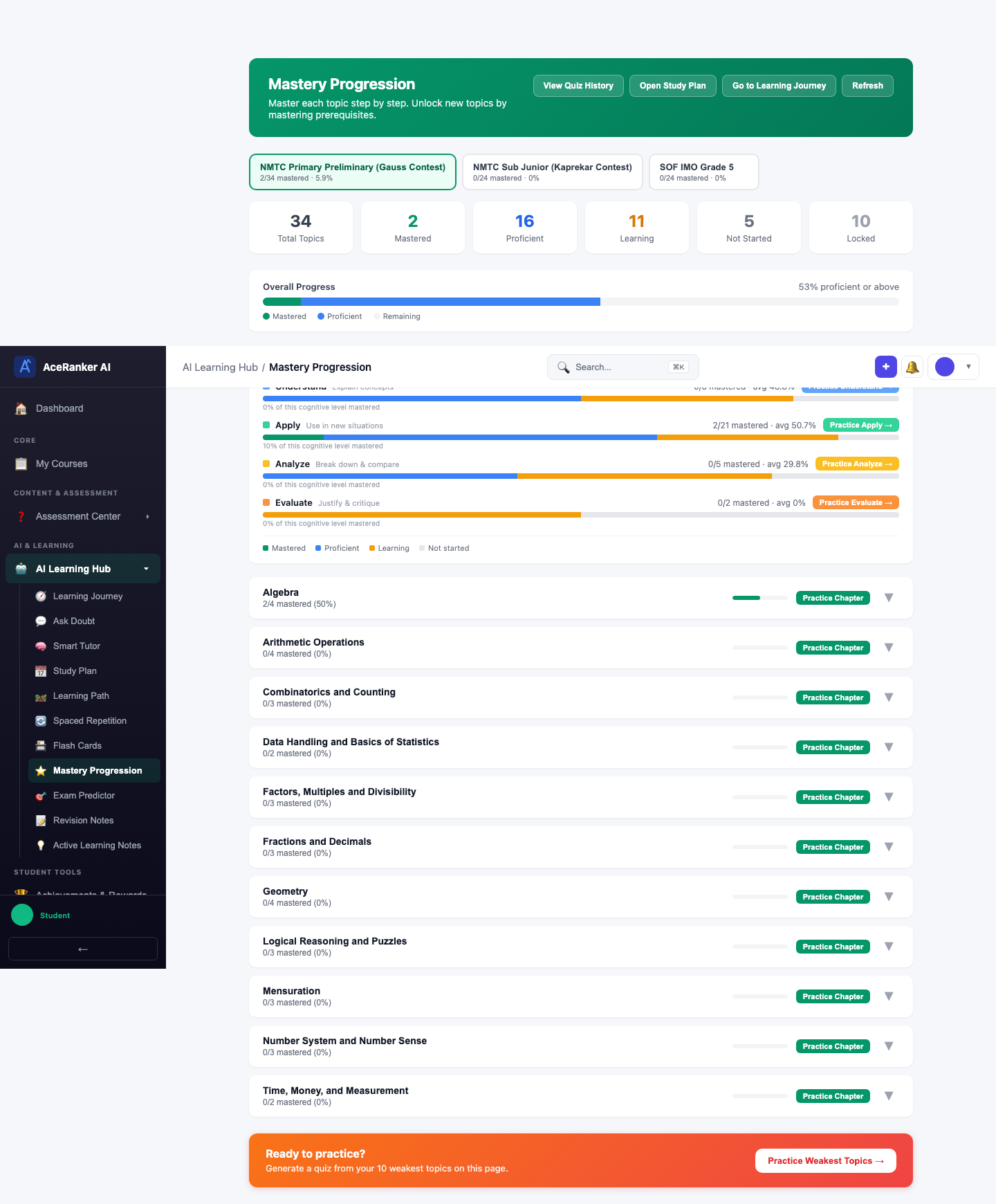
Available actions for any topic:
| Action | What it does |
|---|---|
| Practice | Create a practice quiz focused on that specific topic |
| Ask Doubt | Open the AI Doubt Solver pre-loaded with the topic context |
| Tutor | Launch the AI Tutor for a guided session on the topic |
Mastery Levels
Each topic progresses through mastery levels based on your quiz accuracy and attempt count:
| Level | What it means |
|---|---|
| Not Started | No quiz attempts on this topic yet |
| Beginner | Initial attempts — accuracy is still low |
| Intermediate | Making progress — accuracy is improving |
| Advanced | Strong understanding — high accuracy on multiple attempts |
| Mastered | Consistently high accuracy — topic is fully mastered |
| Locked | Prerequisite topics must be mastered first |
Switching Subjects
Use the chapter list to browse different subjects within your exam. The mastery data updates automatically as you navigate.
Practice Weakest Topics
At the bottom of the page, a "Ready to practice?" banner lets you generate a quiz from your 10 weakest topics automatically — click Practice Weakest Topics to get started.
Check Mastery Progression weekly to see which topics moved from "Learning" to "Proficient". If a topic stays stuck at "Beginner" for more than a week, take a Weakness Quiz or use the AI Tutor to break through.