Flash Cards
Auto-generated flash cards from your quiz mistakes. Each card focuses on a specific concept you need to reinforce — review them with spaced repetition scheduling to build long-term retention.
Video Walkthrough
Overview
Navigate to Flash Cards under the AI Learning Hub in the sidebar. The page shows your card stats and a review interface.
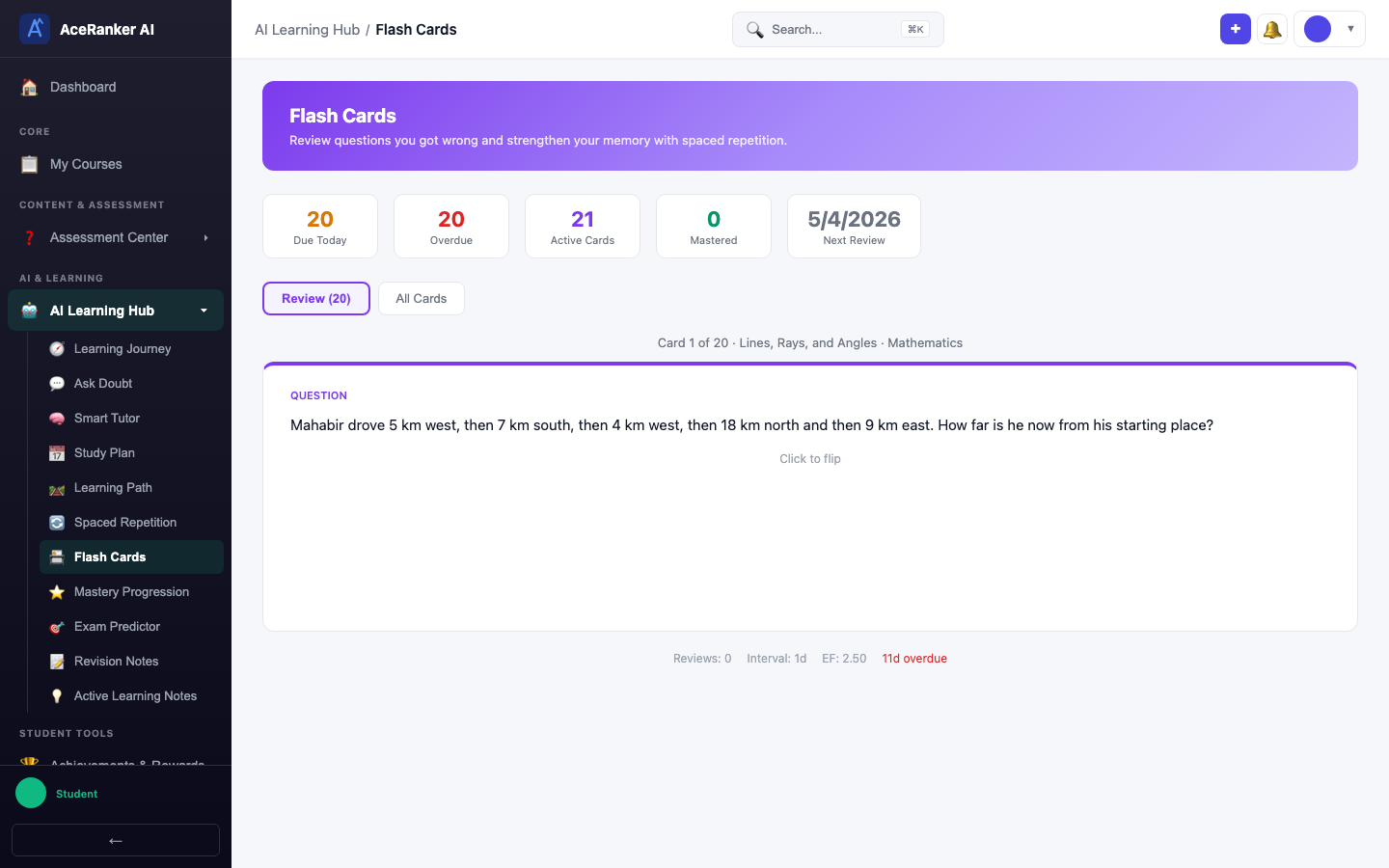
The top banner shows five key metrics:
| Metric | Purpose |
|---|---|
| Due Today | Cards scheduled for review today |
| Overdue | Cards past their review date |
| Active Cards | Cards currently in rotation |
| Mastered | Cards you've consistently recalled correctly |
| Next Review | When your next card is due |
Reviewing Cards
The Review tab shows your due cards one at a time. Each card displays the question text along with marks, question type badges, and topic information (e.g., "Card 1 of 20 - Lines, Rays, and Angles - Mathematics").
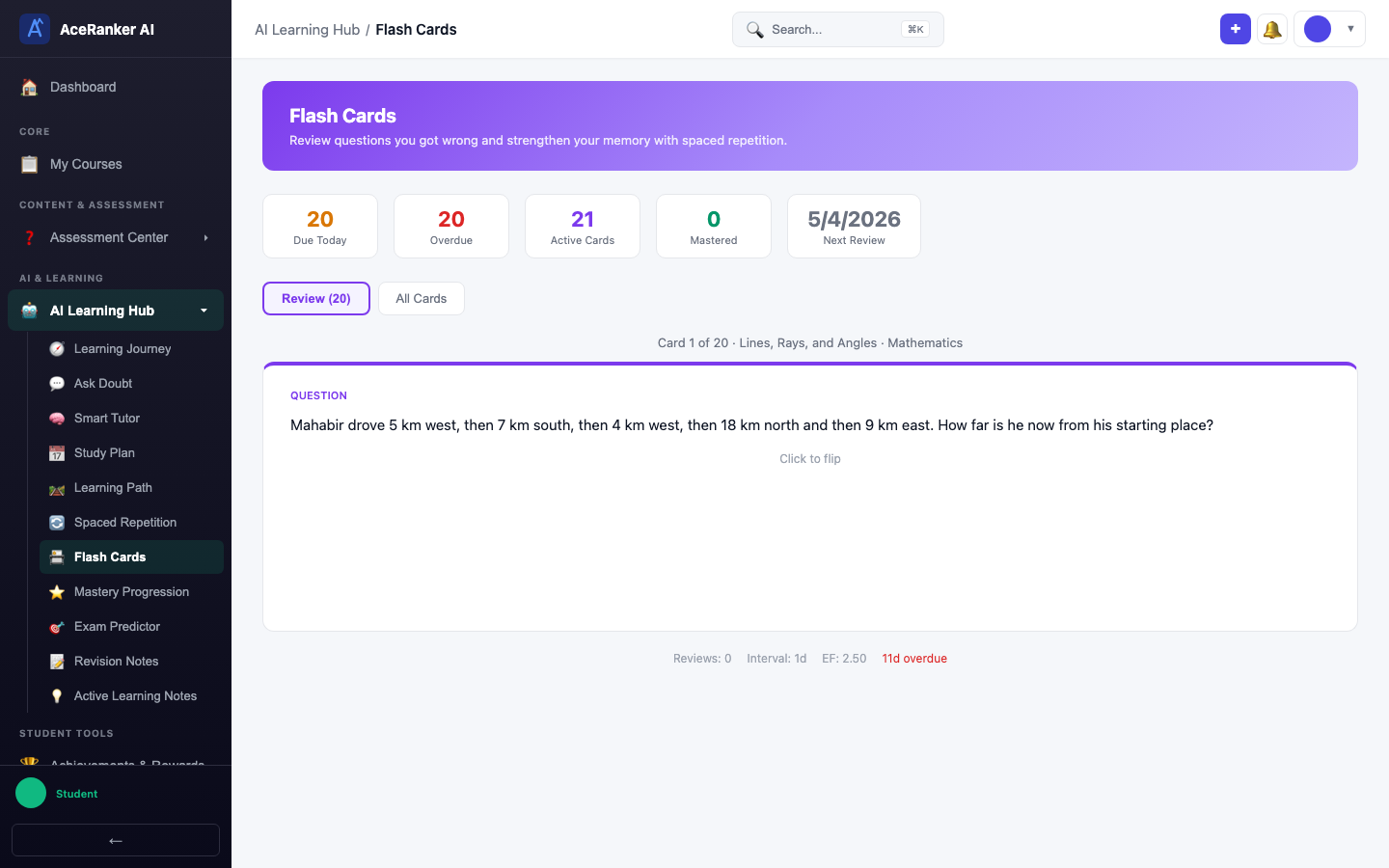
Click the card to flip it — the Answer side is revealed with the correct explanation and detailed solution.
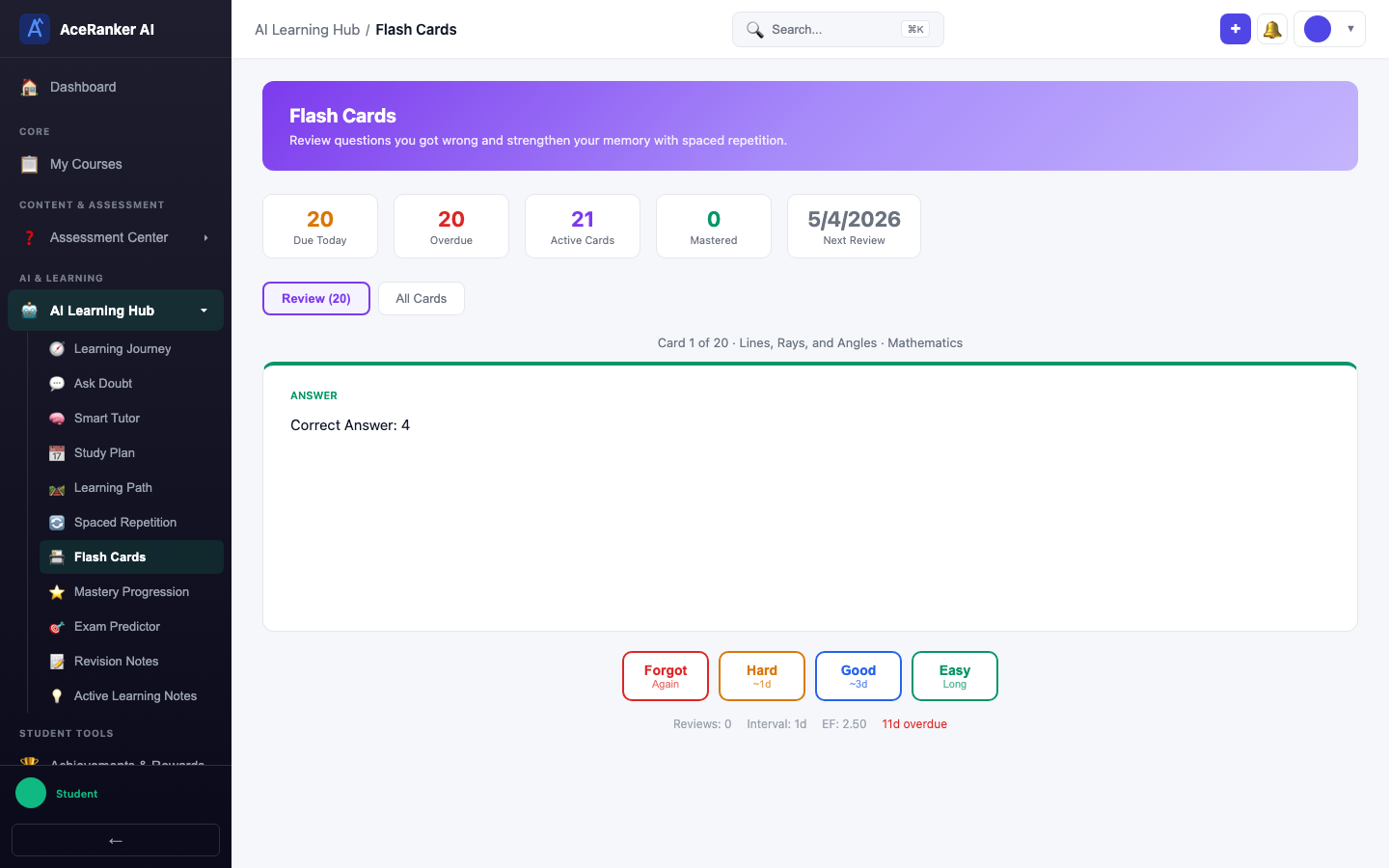
Rating Your Recall
After flipping a card, four rating buttons appear at the bottom:
| Rating | Effect on Schedule |
|---|---|
| Forgot | Card resets — you'll see it again very soon |
| Hard | Short interval — review again in 1-2 days |
| Good | Normal interval — review in a few days |
| Easy | Long interval — you won't see it for a while |
Clicking any rating button automatically advances to the next card — there's no separate "Next" button.
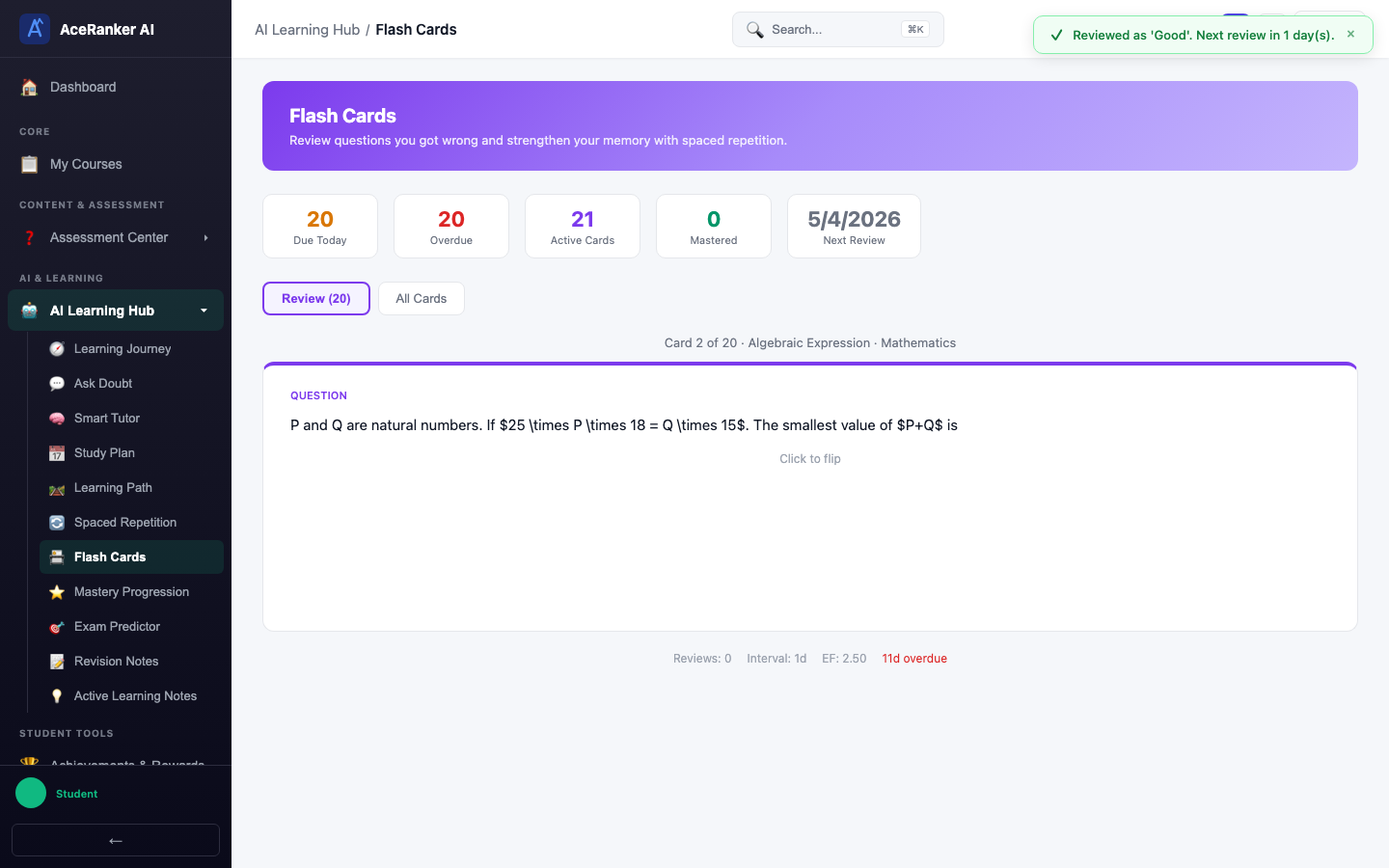
The SM-2 algorithm adjusts future review dates based on your rating pattern. Consistent "Good" or "Easy" ratings gradually space the card out to weeks or months.
All Cards Tab
Switch to the All Cards tab to browse your entire flash card collection. Filter by status: Active, Retired, or Suspended.
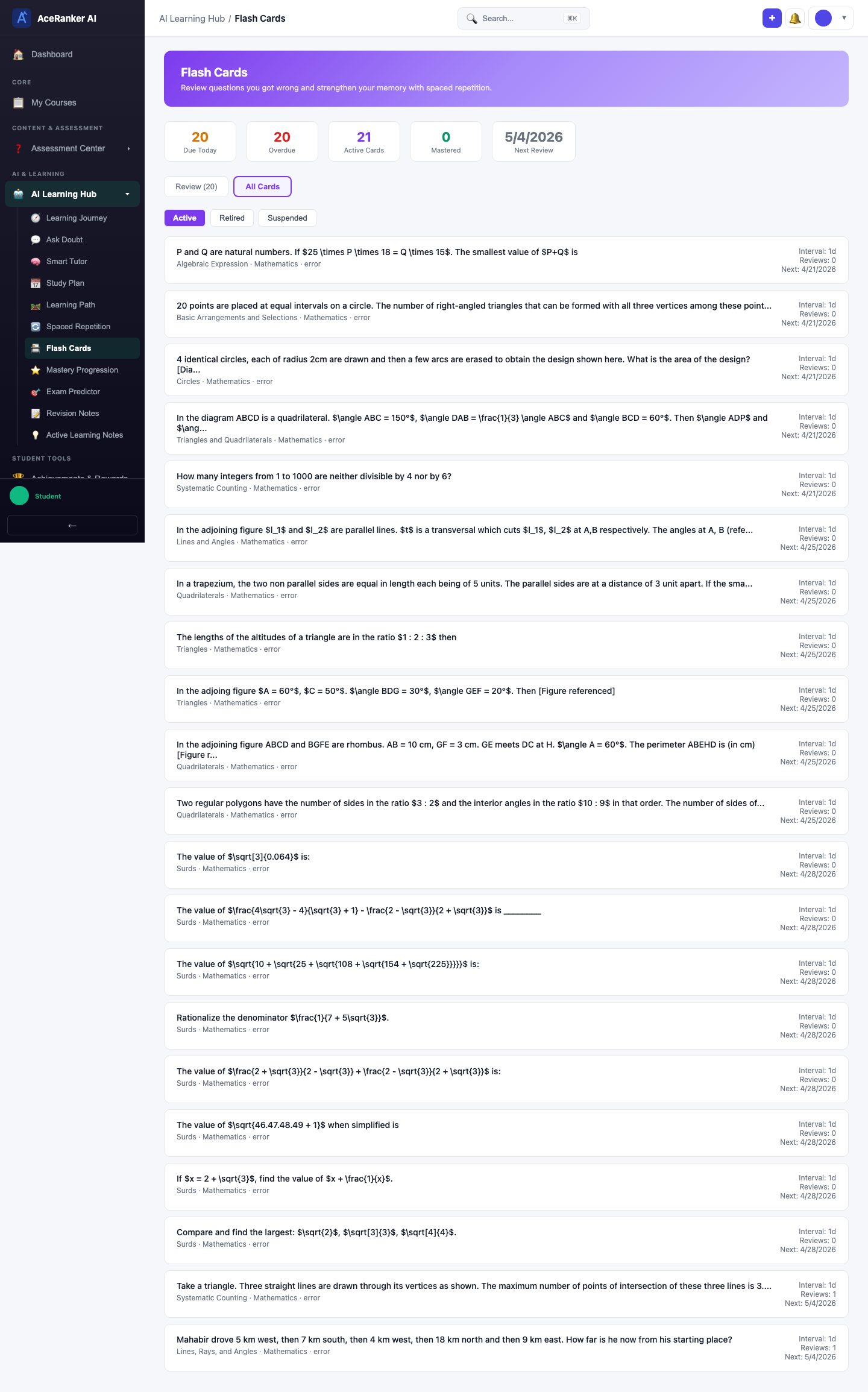
Each card entry shows:
- Question text
- Topic and subject
- Current interval (days until next review)
- Review count
- Next review date
How Cards Are Created
Cards are created automatically — you don't need to do anything:
- You take a quiz and get some questions wrong
- AceRanker auto-generates a flash card for each wrong answer
- The card front shows the question; the back shows the explanation and correct approach
- The SM-2 algorithm schedules when you should review each card
- Each review updates the card's interval based on your rating
Tips
- Review daily — Cards that are overdue lose their spacing benefit. Review them when they come due.
- Be honest with ratings — Rating "Easy" when you struggled defeats the purpose. The algorithm works best with honest self-assessment.
- Don't skip cards — Even if a topic feels familiar, the card might reveal a gap you didn't notice.